
azul is a 3D city model viewer. It is intended for viewing 3D city models in CityGML 1.0 and 2.0, CityJSON 1.0, 1.1 and 2.0 (including CityJSON Text Sequences), IndoorGML, OBJ, OFF and POLY. It supports loading multiple files, selecting objects by clicking them or selecting them in the sidebar, toggling the visibility of individual items, filtering by level of detail, and browsing their attributes. It is research software, but it is pretty stable and most datasets already work without problems. It is available under the GPLv3 licence.
The current version of azul runs on macOS 13+ (Apple Silicon and Intel) and iOS 14+ (iPhone and iPad).
-
Pan: scroll
-
Rotate: drag on (left) click, rotate on trackpad
-
Zoom: pinch on trackpad, drag on right click
-
Select: click on object (in view or sidebar)
-
Centre view: double click (in view or sidebar object), h or cmd+shift+h (to dataset centre)
-
New file (clear view): n or cmd+n
-
Open file (import): o or cmd+o
-
Load view (camera) parameters: l or cmd+l
-
Save view (camera) parameters: shift+cmd+s
-
Copy selected object ids: c or cmd+c
-
Find objects: f or cmd+f
-
Filter by level of detail: click LoD segment in sidebar
-
Show bounding box: b or cmd+shift+b
-
Show edges: e or cmd+shift+e
-
Preferences: cmd+,
-
Object type colours: shift+cmd+c
-
Show sidebar: cmd+ctrl+s
-
Go full screen: cmd+ctrl+f
-
Close window (quits): cmd+w
-
Quit: cmd+q
- Pan (truck): drag with one finger
- Rotate (orbit): drag with two fingers
- Zoom: pinch
- Twist: rotate two fingers
- Select: tap on object
- Centre view: tap Home button
- Open file: tap Open button
- Browse objects: tap Objects button
You can download the latest stable release of azul in the releases page or from the App Store. If you want more information on how to compile it from source, see below.
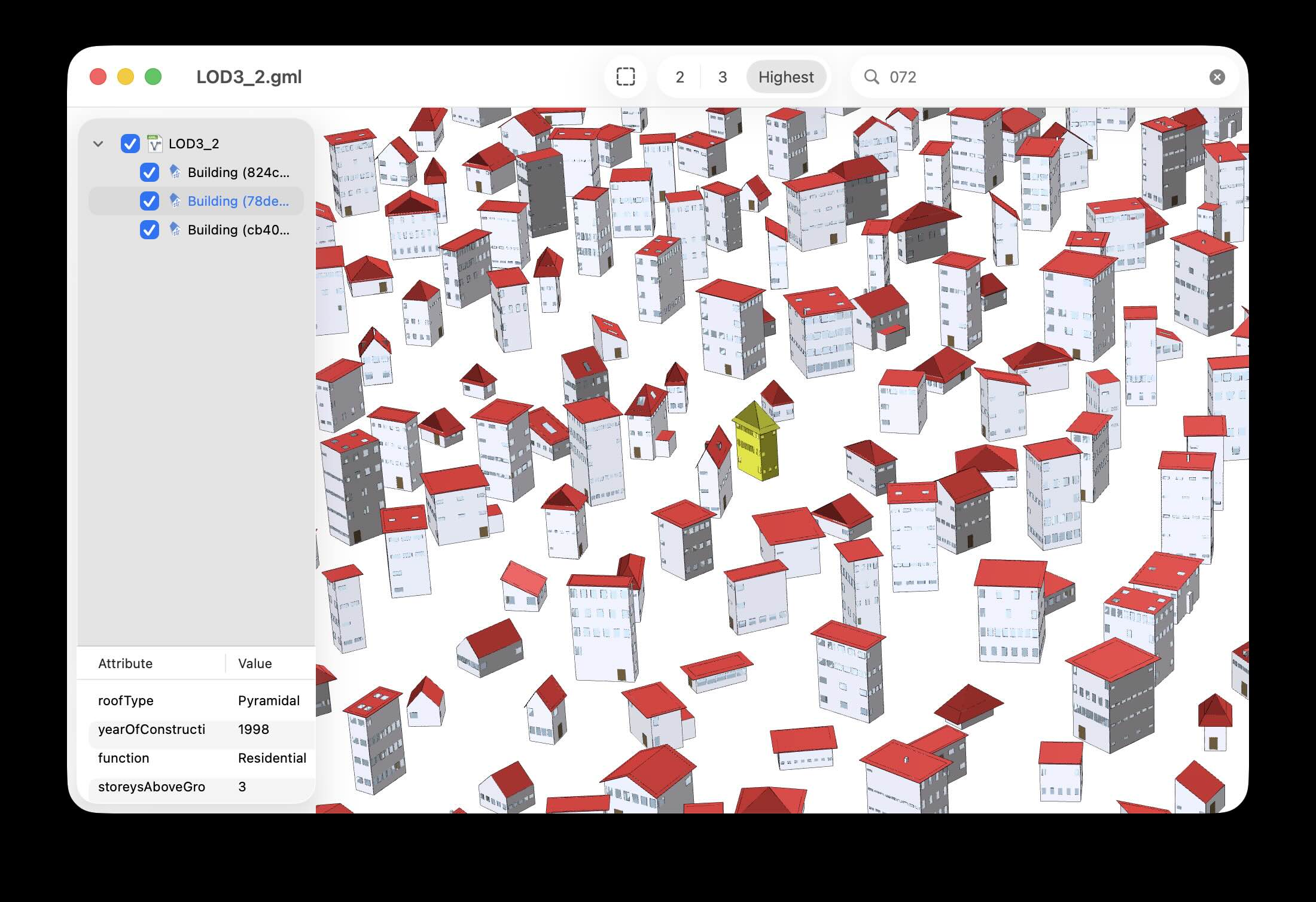
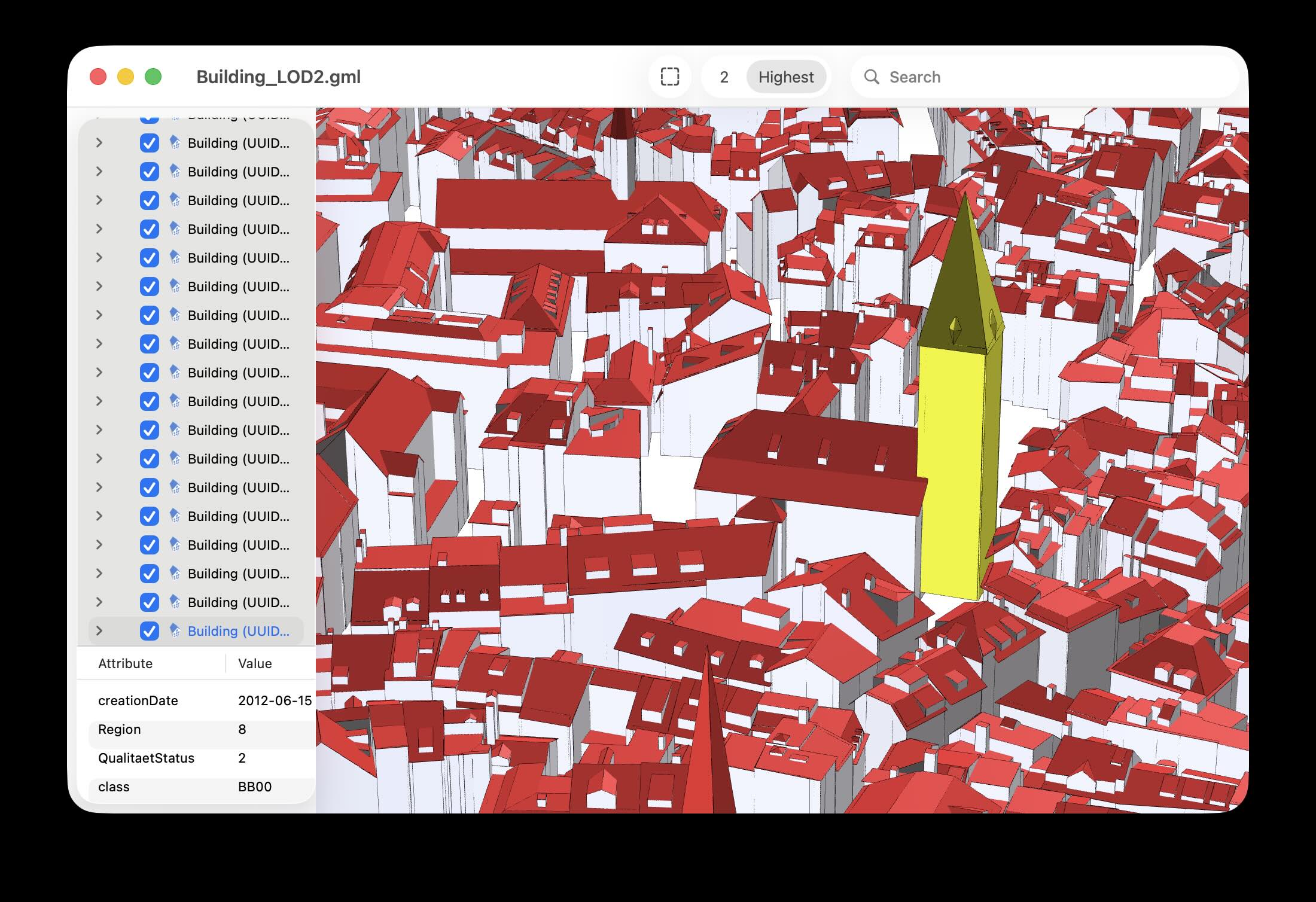
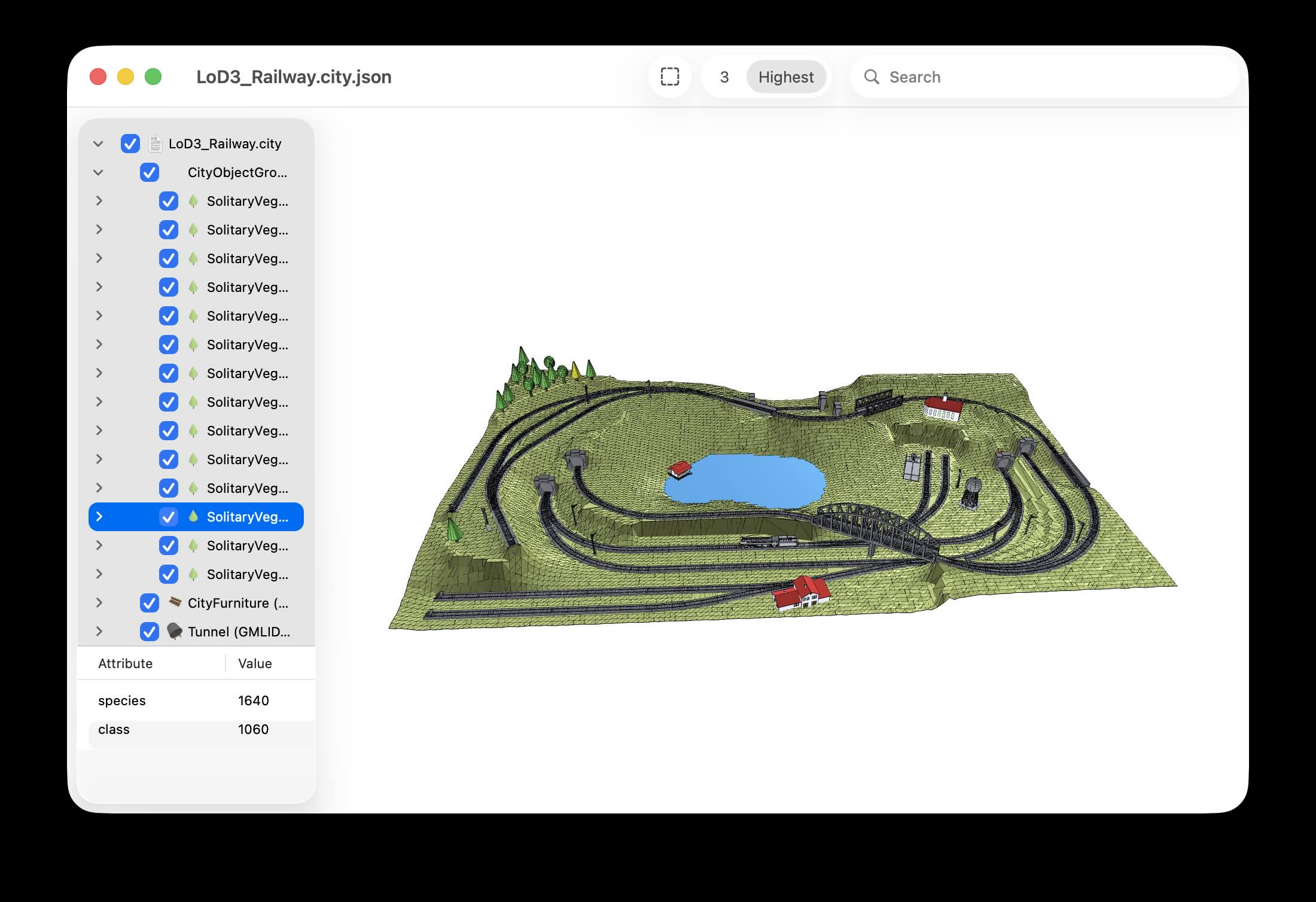
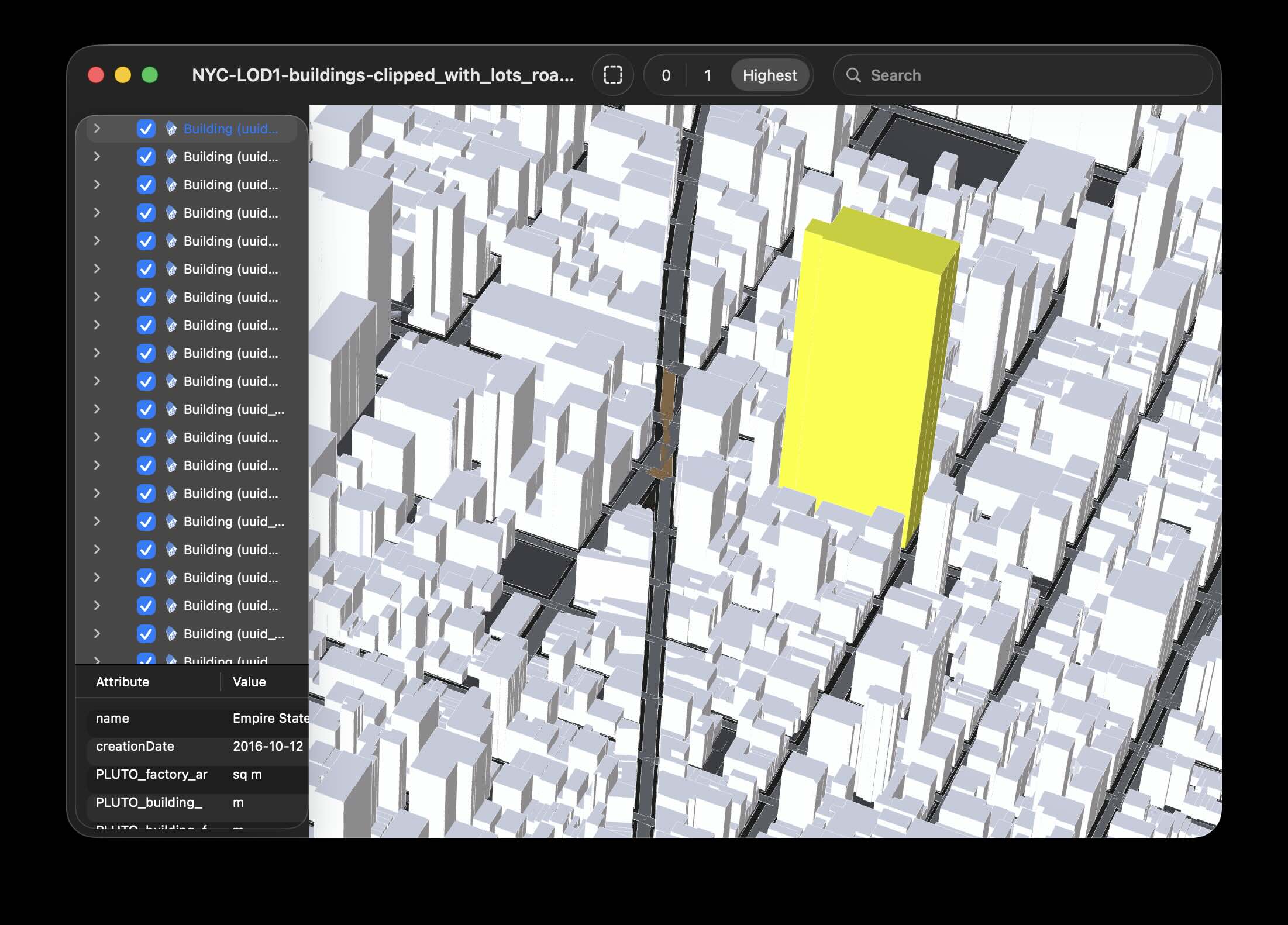
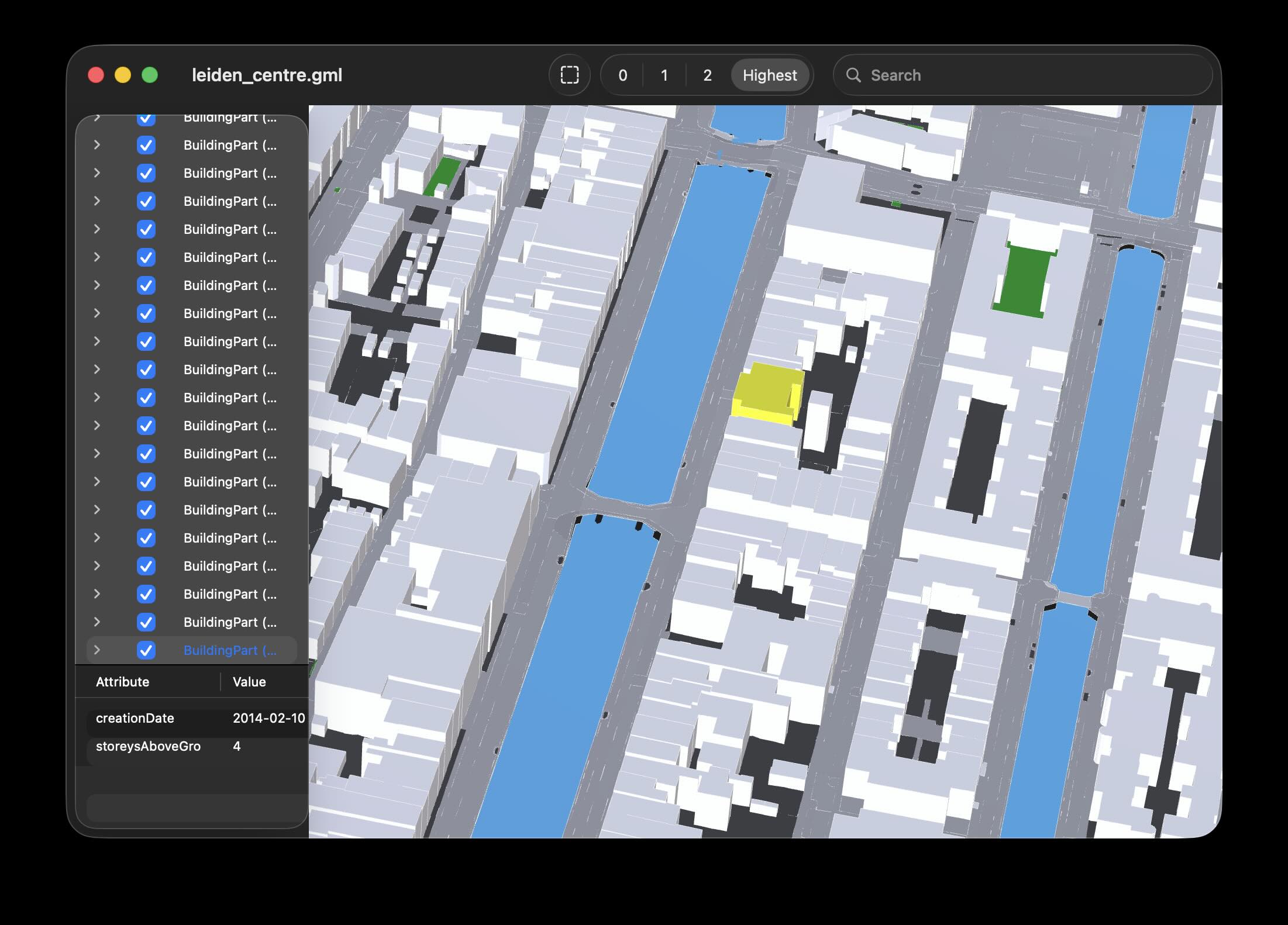
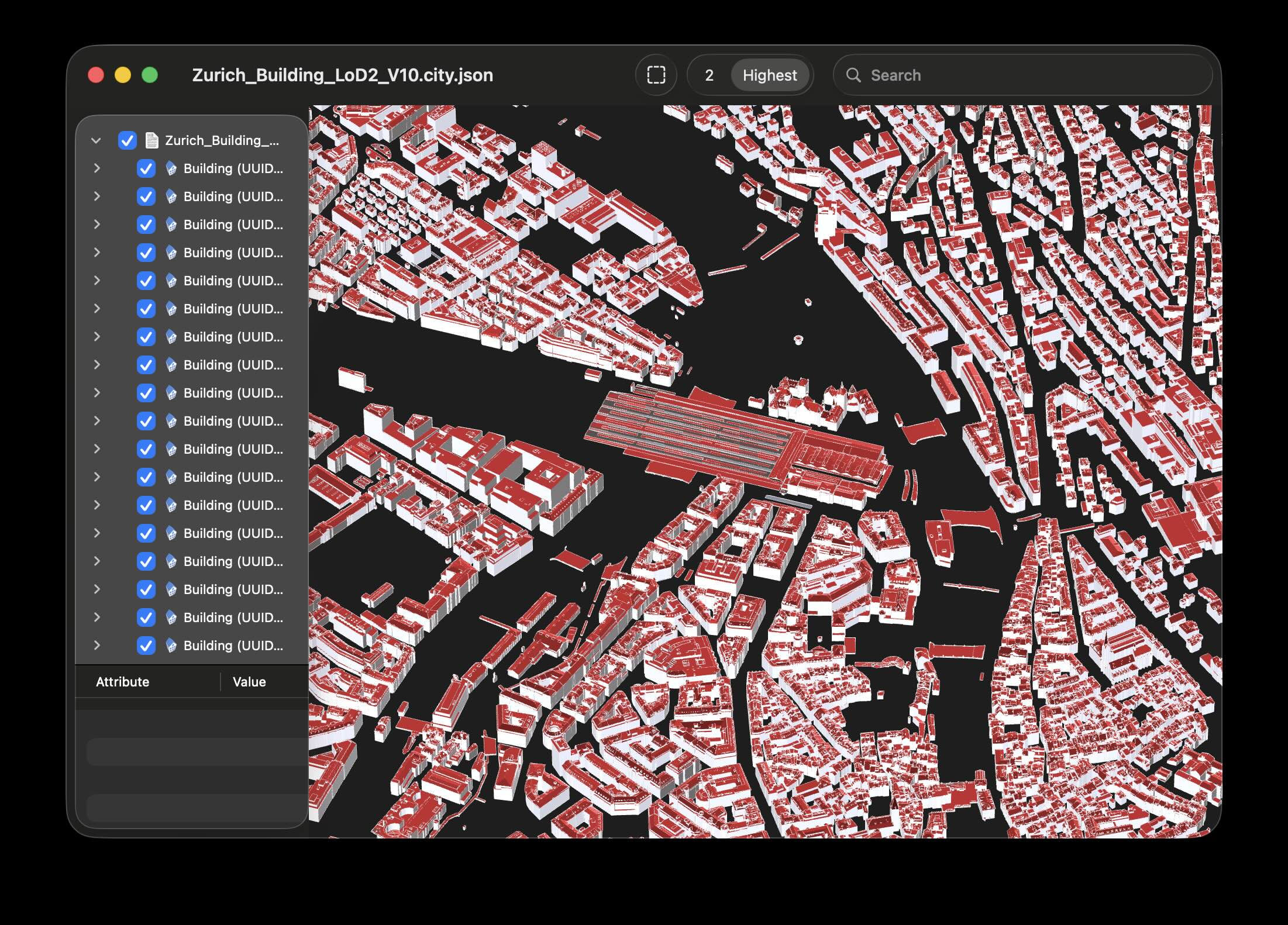
azul is written in a mix of C++17, Swift 5, Objective-C 2 and Objective-C++. The core is written in C++ for future portability, but it uses Apple's Metal for visualisation and SIMD for fast vector/matrix computations. It uses pugixml to parse XML, simdjson to parse JSON, and the CGAL Triangulation and Polygon repair packages to triangulate concave polygons for display.
- Removing (unloading) files
- Icons for missing types
- Better handling of big coordinates
- Improved search with live viewing of matching objects
- Way to navigate xlinks / implicit parent-child relationships
- Use status bar to indicate actions, success/failure
- More complex materials
- Materials and textures (loaded from files)
- Shifting the rotation point out of the data plane
- Using a rotation point at a visible object in the centre (good for zooming in and rotating)
- Showing the data plane and rotation point
- Animations when re-centering
- Keyboard navigation
- Multi-threaded file loading
- QuickLook plug-in
- Icon previews
We have included an Xcode 26 project to easily compile azul, which runs on macOS 26 (Tahoe), but it should open on older versions of Xcode and the compiled application should run on macOS 13.0 or later.
Open azul.xcodeproj in Xcode, select the azul scheme, build and run.
Open azul.xcodeproj in Xcode, select the azul-iOS scheme, build and run on a simulator or a real device.
The iOS target requires static libraries built for the target platform. Prebuilt libraries are provided:
libs-ios-device/— for real devices (iphoneos SDK)libs-ios-sim/— for the simulator (iphonesimulator SDK)
Copy the appropriate set to libs-ios/ before building.
azul depends on the following libraries: Boost, CGAL, GMP, MPFR, pugixml and simdjson. Most of these can be easily obtained using Homebrew, but we provide fat libraries (arm64 + x86_64) of them all for convenience.
azul is available under the GPLv3 licence.