
This extension moves unused images in Markdown files to the 'unused-images' folder.
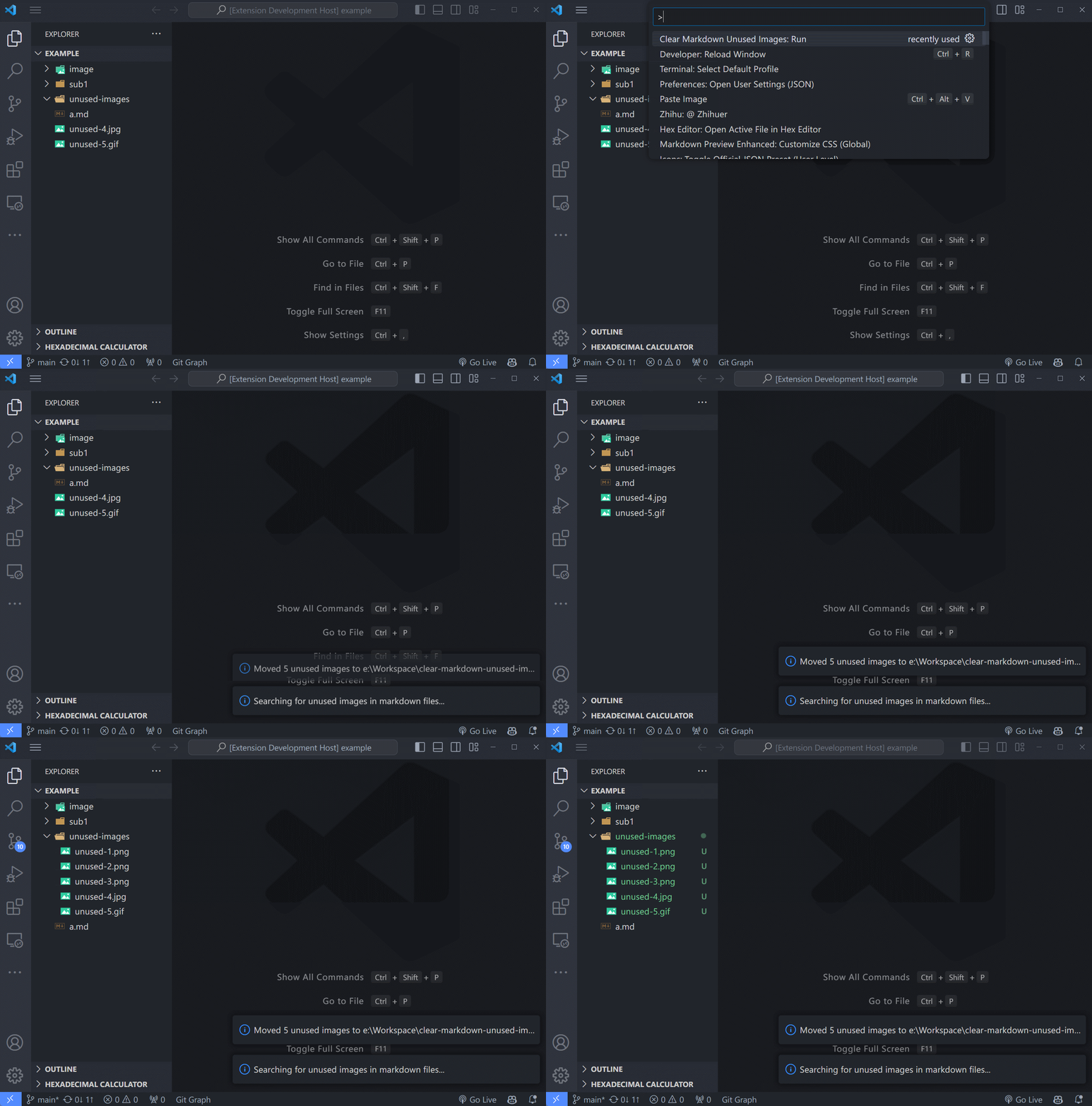
Press Ctrl+Shift+P(Cmd+Shift+P on Mac), type "Clear Markdown Unused Images: Run" and the extension will move unused images in Markdown files to the 'unused-images' folder.
You can configure the folders to be excluded from the image search by modifying the clear-markdown-unused-images.excludeFolders setting in your settings.json file.
By default, the following folders are excluded:
**/unused-images/****/node_modules/**
You can add your own glob patterns to this array to exclude other folders. For example:
"clear-markdown-unused-images.excludeFolders": [
  "**/unused-images/**",
  "**/node_modules/**",
  "**/assets/**"
]No known issues at the moment.