How to contribute your theme from Github website
-
Open
~/.config/oomox/colorson your computer and pick the theme which you are going to upload. -
Open colors directory on Themix GitHub: https://github.com/themix-project/oomox/tree/master/colors
Choose appropriate subdirectory for your theme. If you're not sure use
Contributedone. -
Create new file:

- Enter your theme name:

- Paste the theme contents from the file in
~/.config/oomox/colors/:
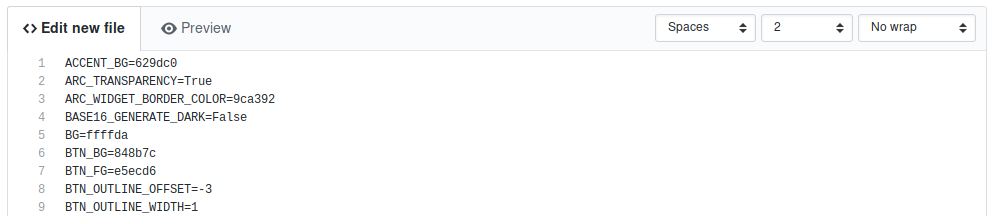
- Propose new file (that will create a pull request):
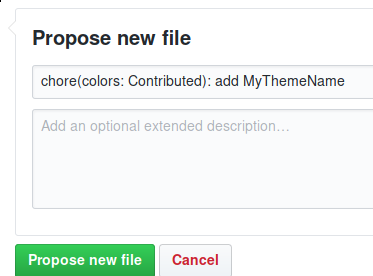
- 🎆