Plugin for loading code snippets from cheat.sh directly to editor without need to switch your mental context
- No configuration needed to start using it
- Detects context/programming language from current file opened in editor
- Multiple answers can be displayed for asked question
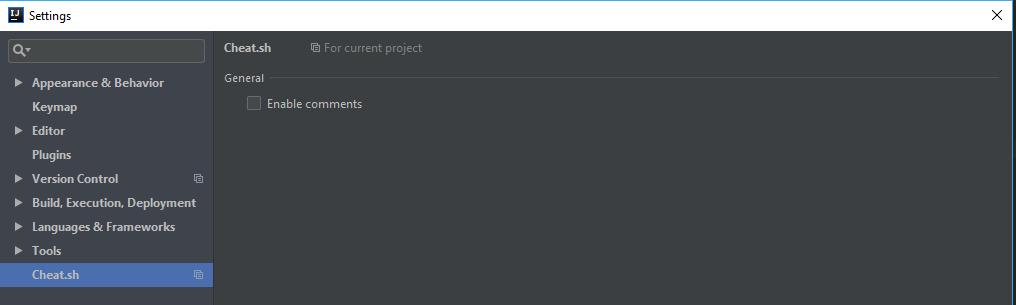
- Possibility to enable/disable comments per project - comments are disabled by default
Install from idea plugins marketplace
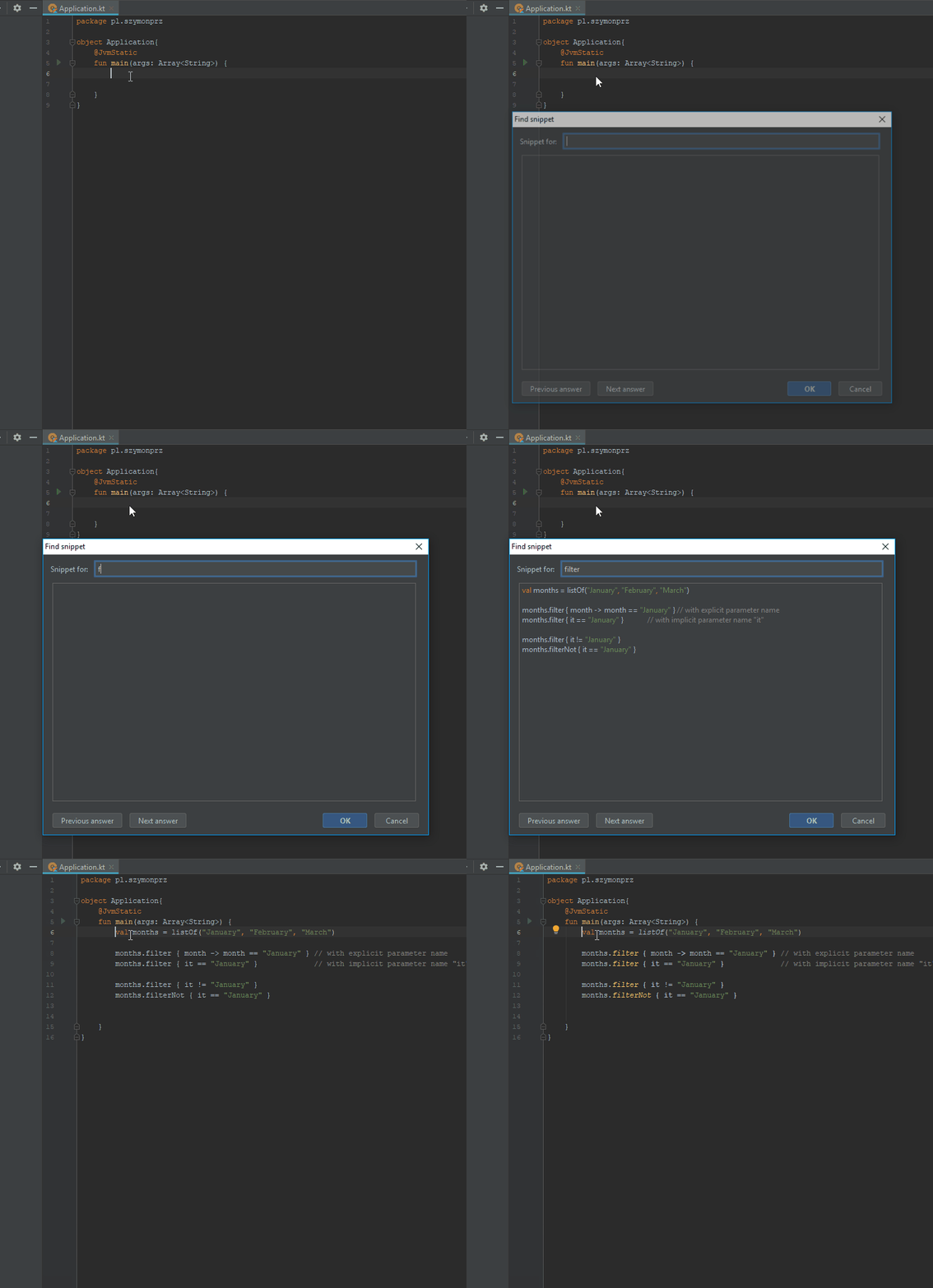
- Write your question
- Wait a second, answer will appear automatically in field below your question
- Use Ctrl + N for next answer and Ctrl + P for previous or switch answer by buttons
- Enter will paste displayed snippet into editor
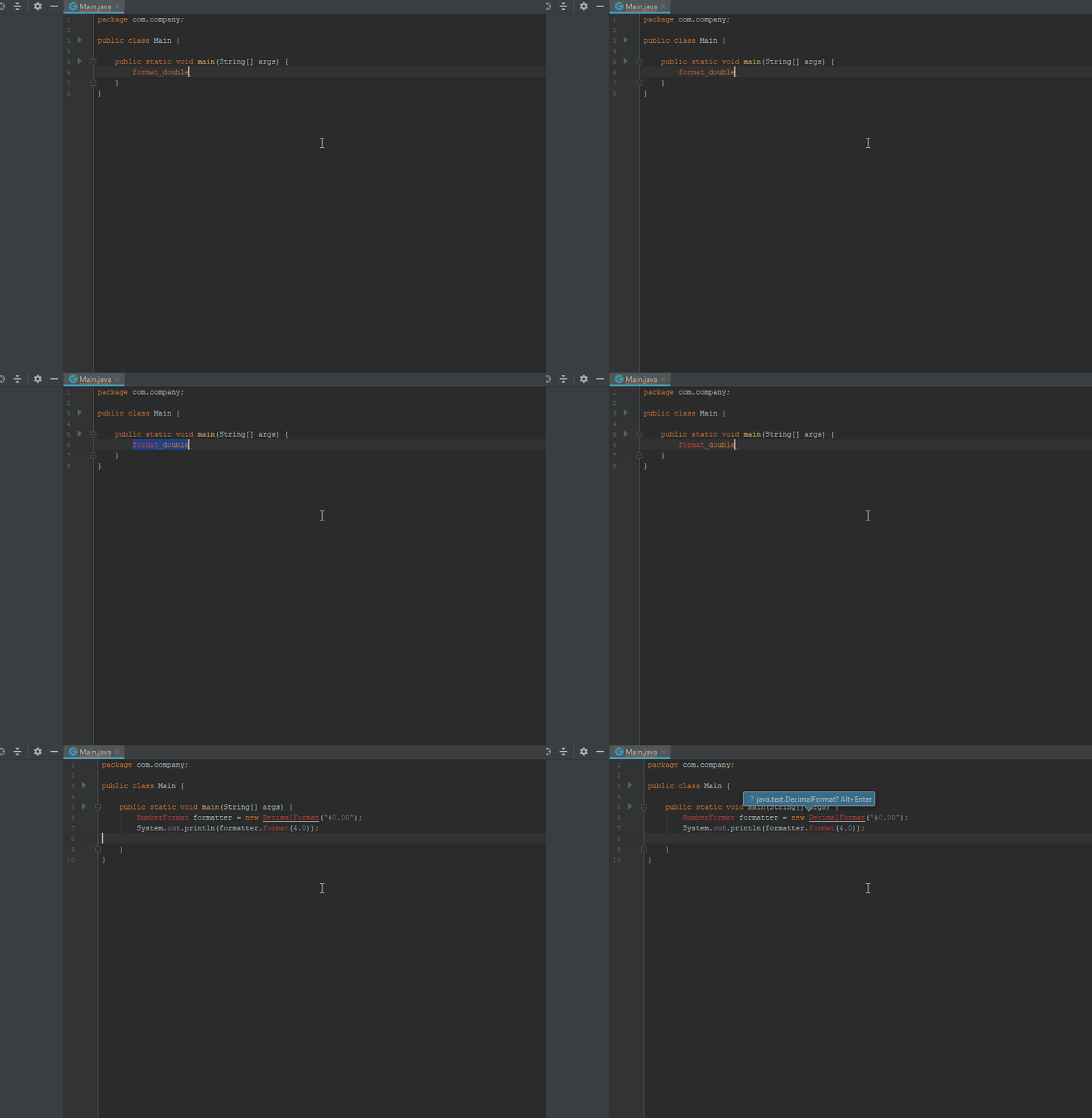
- Select text in an editor
- Press keyboard shortcut Alt + C , S
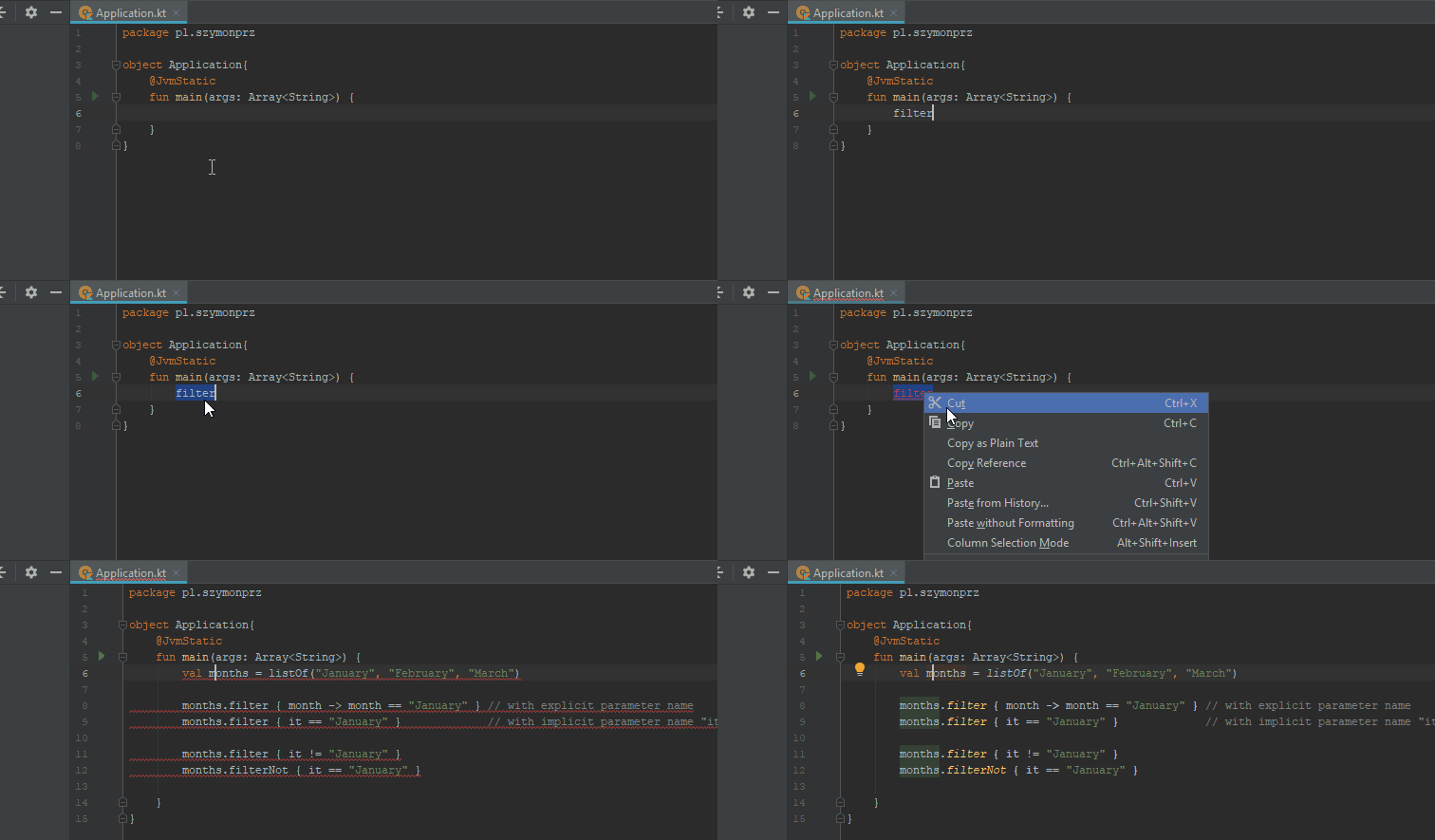
- Select text in an editor
- Right click and choose "Replace with snippet"
- Enable/Disable comments per project
I'm open to any improvements so in case of new ideas just create an issue and we will discuss it