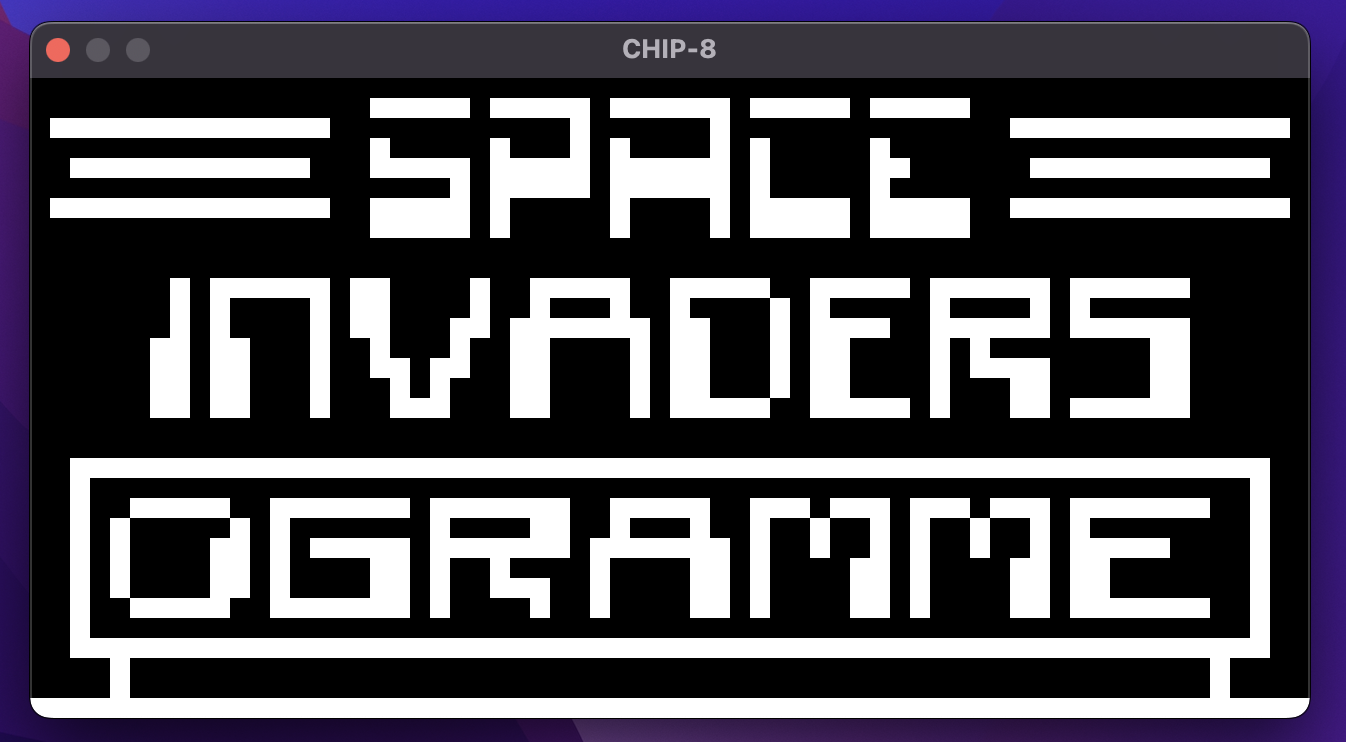
First, install rust on your computer.
Then run:
cargo run <file_path> [-d]file_path is the path to the .ch8 file containing the opcodes.
-d is an optional flag which enables debug mode:
Debug mode has several commands (type help):
USAGE:
r        - run until next checkpoint
b <addr> - add breakpoint at address <addr>
ni       - execute next instruction
p        - print current state of CHIP-8
help     - print list of commands available
Currently, the web/programs/ directory contains several ROMs and their descriptions from here.
      Chip-8                           Keyboard
+────+────+────+────+            +────+────+────+────+
| 1  | 2  | 3  | C  |            | 1  | 2  | 3  | 4  |
+────+────+────+────+            +────+────+────+────+
| 4  | 5  | 6  | D  |            | Q  | W  | E  | R  |
+────+────+────+────+     -->    +────+────+────+────+
| 7  | 8  | 9  | E  |            | A  | S  | D  | F  |
+────+────+────+────+            +────+────+────+────+
| A  | 0  | B  | F  |            | Z  | X  | C  | V  |
+────+────+────+────+            +────+────+────+────+
Additionally, we allow compiling to the wasm32-unknown-unknown target with wasm-bindgen. First, get wasm-pack here. After that, to build wasm binaries, run:
wasm-pack buildAfter generating the WASM binaries, go to /web, install depenencies with npm i and run:
npm runThen go to localhost:8080 to view the result.
The /web directory was bootstrapped with npm init wasm-app.
Here are some helpful resources for getting started on Chip8 and WASM: