Add smooth transition between external perimeter and small perimeter speeds #9009

Description

Is your feature request related to a problem? Please describe.
This is a fairly minor problem, but:
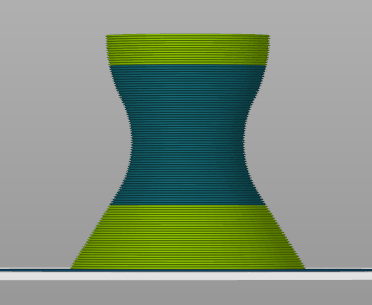
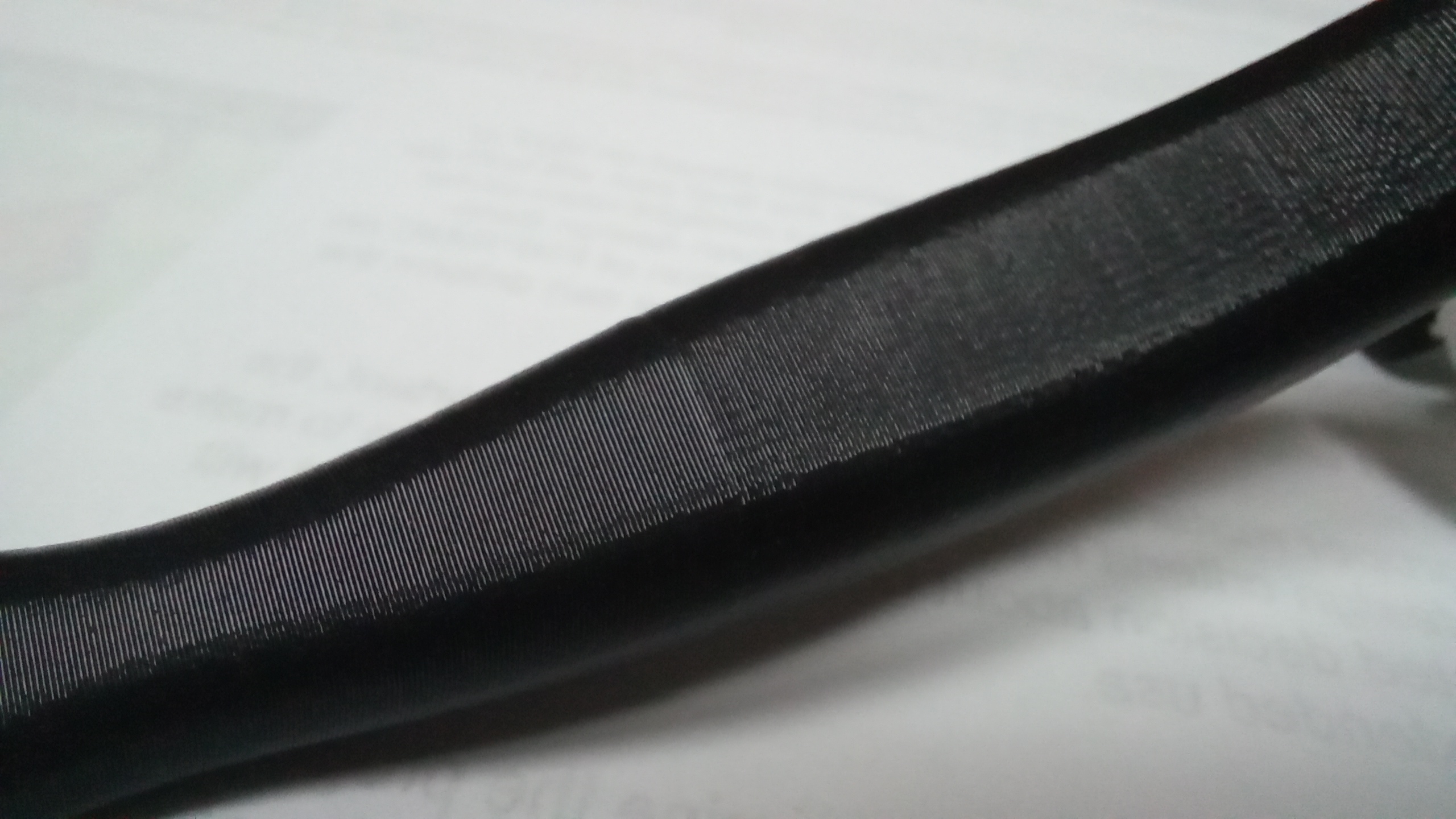
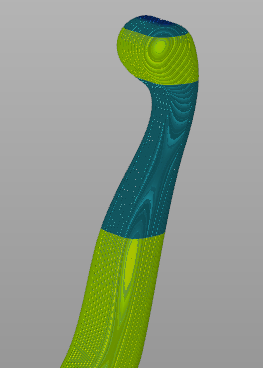
On thin and tall models with either width changing spikes or, as shown, curvy shapes, the transition between full External Perimeter Speed (ExPS) and Small Perimeter Speed (SmPS) is visible. It makes the part that is otherwise flawless look glued together. Glued together extremely well, but still.


Describe the solution you'd like
Ideally, SmPS should not be used somehow in cases like shown, or there should be a transition between speeds.
Describe how it would work
Assuming ExPS being 40 and SmPS being 25 at radius 6.5mm (as noted in description), the speed should smoothly interpolate between 40 at radius 10 mm, 32.5 at radius 8.25 mm and 25 at radius 6.5mm (though making it lower - or settable - might be a good idea).
If printing a single object with SmPS set to same as ExPS, this transition is already made somewhat smooth by auto cooling, but that does not work with multiple objects printed.
Max Volumetric slope of 2 is already used as well.
Describe alternatives you've considered
I could just manually change the SmPS setting to same as ExPS, but I don't know how this would affect really small holes - this model in particular doesn't have them.
Additional context
An example model for testing: