Add option to display buffers which are in cwd #739
Conversation


|
@tami5 This is how it works. |


|
Works very well, LGTM. I expected to be much more complex than that 😆 well done. |


|
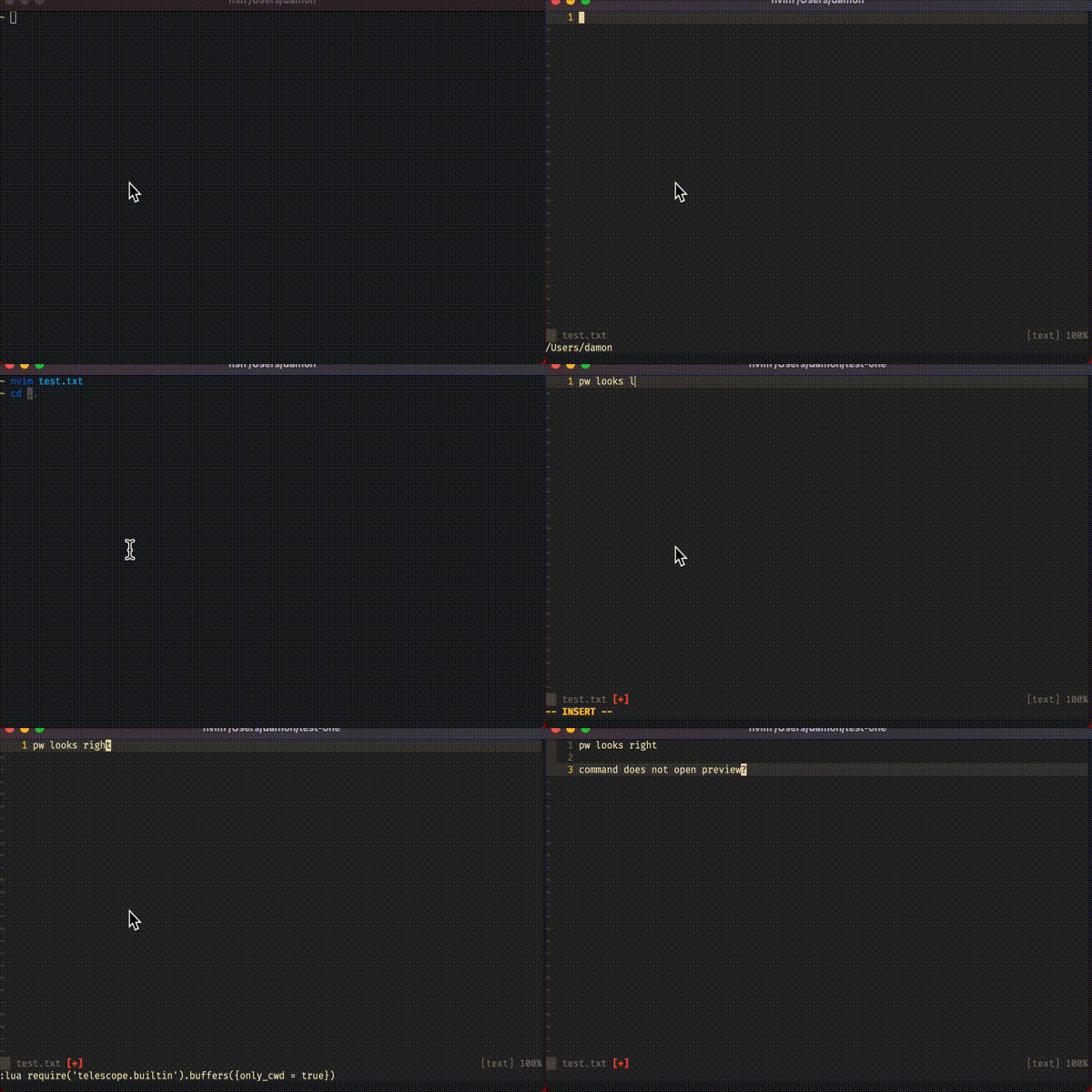
@nc1337 — thanks so much for implementing this quickly. Amazing! I am having an issue though with this working when I start outside my own
But if I move into a sub directory it stops working (?!)
Here is a video
|
|
Hey @thornomad, |
Thank you for checking. If it works for you must be something wrong with my setup. Hmm. I am not sure where to start looking ... if I have time I will have to start with a clean config and work my way back up to see what is causing that issue for me. Thanks again for your help! |
|
@nc1337 — I tried loading a new empty configuration by setting |

Useful if using tabs for different projects/workspaces:
nvim-telescope/telescope.nvim#739

* upstream/master:
  picker(live_grep): add option to grep only over open files (nvim-telescope#666)
  git(action): create and checkout branch (nvim-telescope#755)
  readme: fix broken links and spelling errors (nvim-telescope#753)
  added a new DynamicFinder (which can be used with rust_analyzer) (nvim-telescope#705)
  feat: add icons to git_status finder (nvim-telescope#401)
  fix: update to newer code (nvim-telescope#744)
  pickers(buffers): added only_cwd opt (nvim-telescope#739)
  feat: asyncify pickers - except for live_grep (nvim-telescope#709)
  fix: Use standardized names for current buffer fuzzy find (nvim-telescope#737)
  fix(git_branches): use the quoted fields instead of json-formatting and fix regressions with nvim-telescope#695 (nvim-telescope#704)
  feat: buf highlights for current buffer fuzzy find (nvim-telescope#732)

|
I was able to resolve the intermittent issue I had been having with a small fix; submitted PR #849 to close the loop on this. Thanks again. |
4 participants


This PR is the implementation for a new option in
buffers listingwhich allows viewing ofbufferswhich are in thecurrent working directorywhich resolves #733@tami5 Could you kindly give me some feedback :)