This plugin switches one or multiple artboards between light/dark modes instantly. It can work with symbols, nested symbols, overrides, shapes, layer styles, text styles and colour variables.
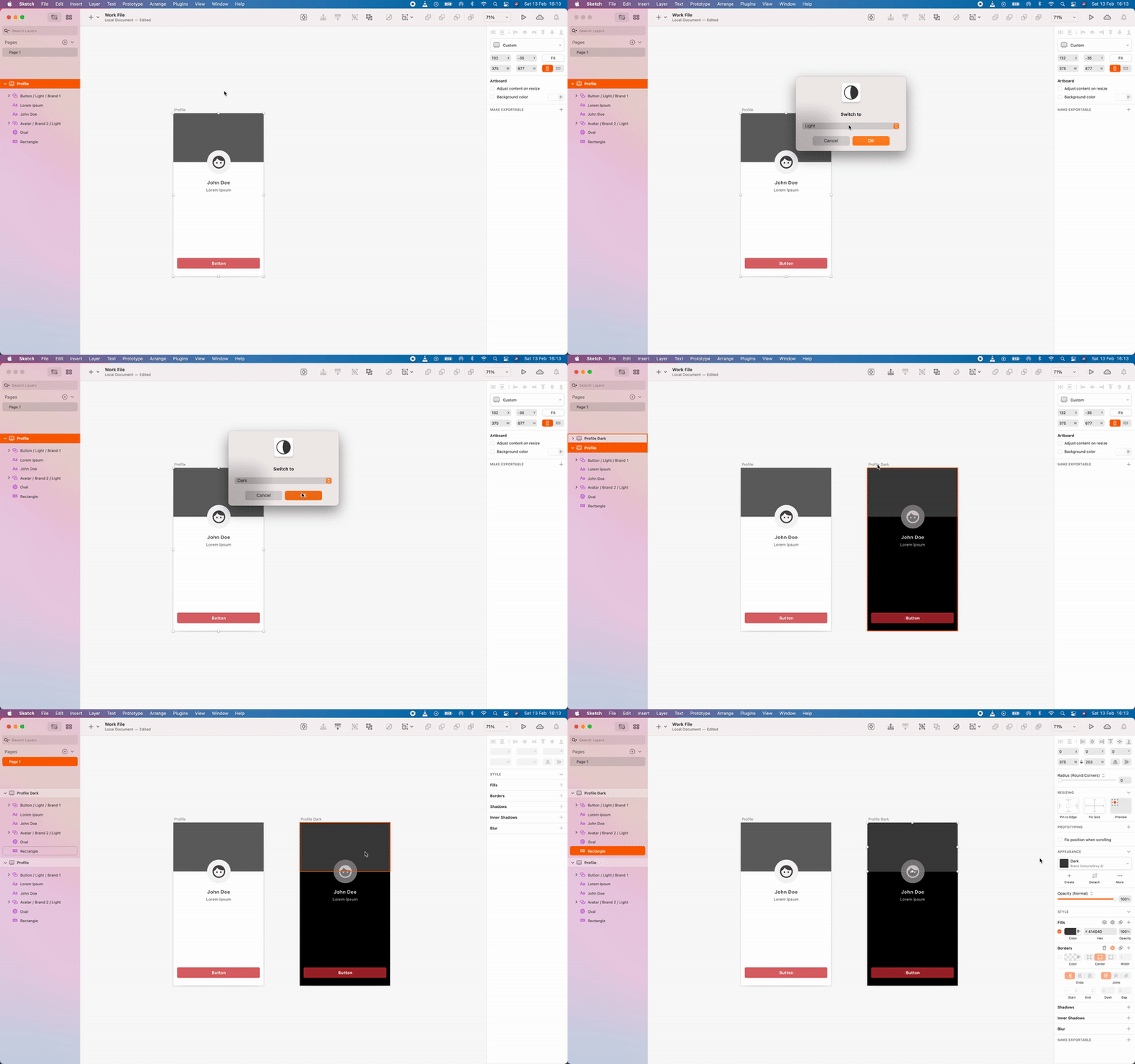
Have one or more libraries linked in Sketch for this to work.
It can switch:
- symbols
- nested symbols
- all override types
- texts
- layer styles
- text styles
- NEW: colour variables
All of these must have 'dark' or 'light' somewhere in their name, doesn't matter where. Just double click on the .sketchplugin file in the archive downloaded and you're good to go!
To view the output of your console.log, you have a few different options:
- Use the
sketch-dev-tools - Open
Console.appand look for the sketch logs - Look at the
~/Library/Logs/com.bohemiancoding.sketch3/Plugin Output.logfile
Skpm provides a convenient way to do the latter:
skpm logThe -f option causes skpm log to not stop when the end of logs is reached, but rather to wait for additional data to be appended to the input