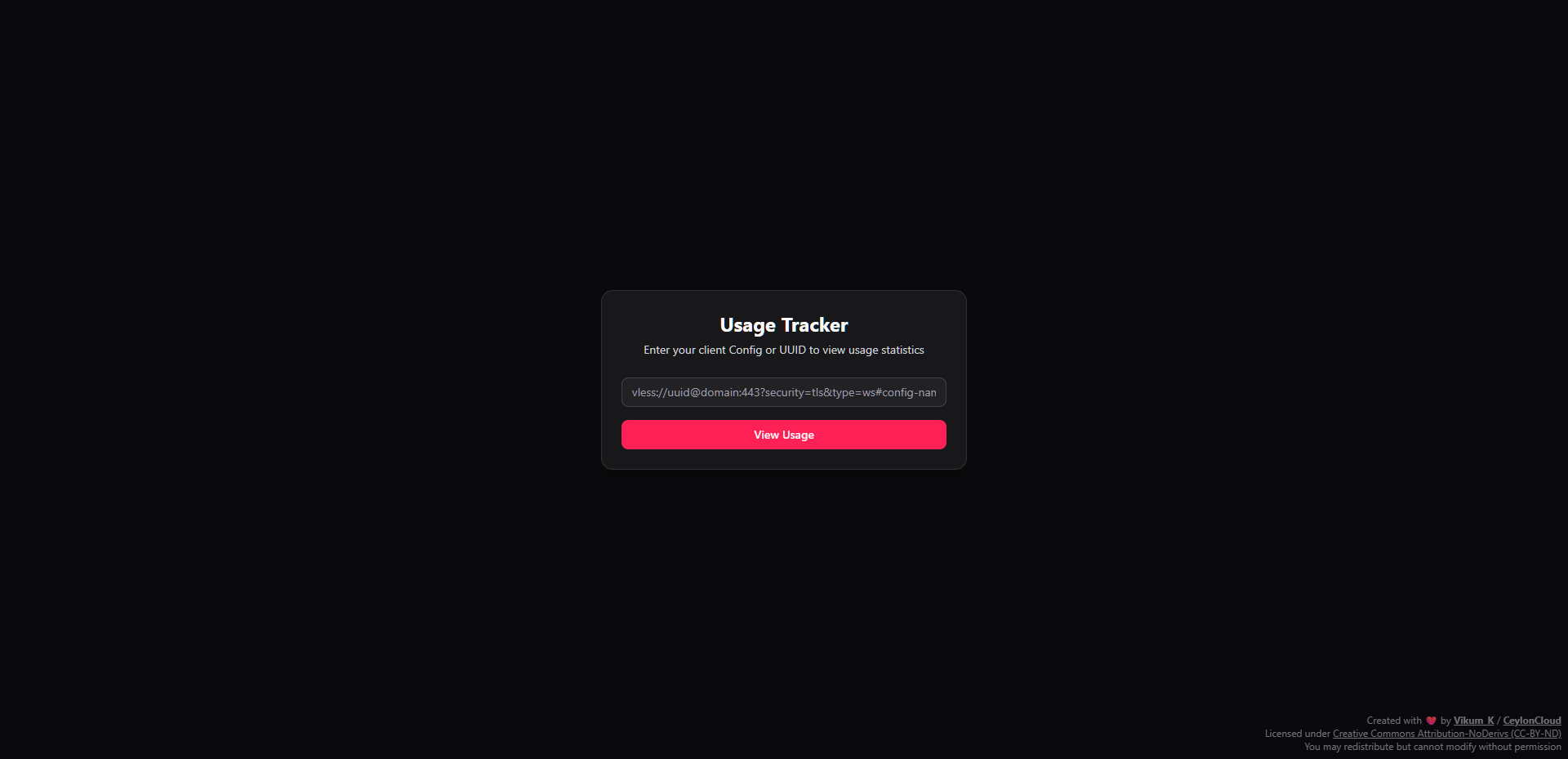
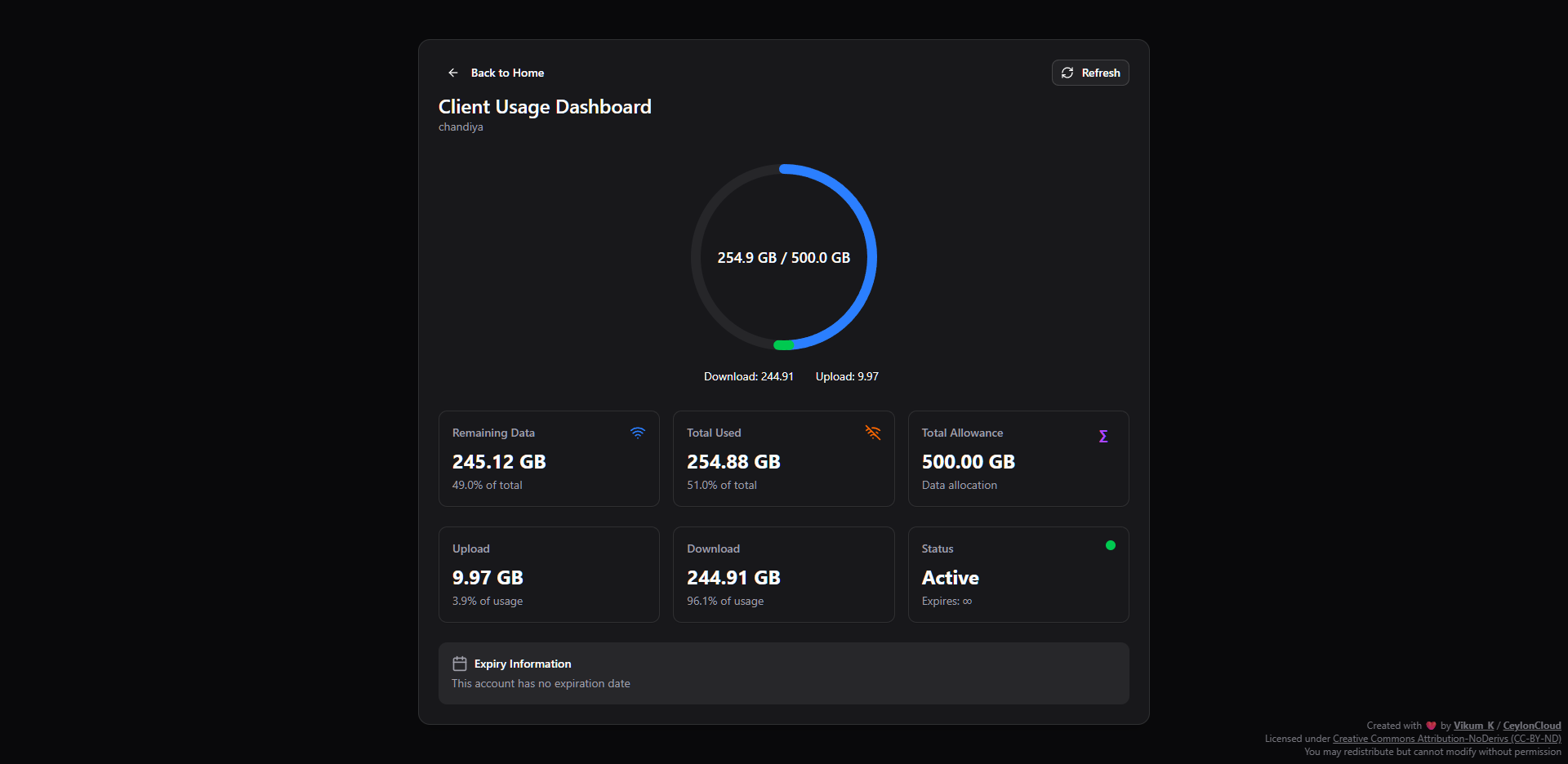
- 📊 Real-time Usage Monitoring: View upload, download, and total usage statistics for your 3X-UI clients.
- 🎯 Client Identification: Easily identify clients using their UUID or V2Ray configuration URL (VLESS protocol only).
- 🚀 Modern UI: A clean and responsive user interface built with Next.js, Tailwind CSS, and shadcn/ui.
- 🔒 Secure: Includes rate limiting and input validation to protect your instance.
- 📱 Mobile-First Design: Fully responsive, ensuring a seamless experience on any device.
| Home | Usage Statistics |
|---|---|
 |
 |
-
Clone the repository:
git clone https://github.com/VikumKarunathilake/3x-ui-monitor.git cd 3x-ui-monitor -
Install dependencies:
pnpm install
-
Run the development server:
pnpm dev
-
Open http://localhost:3000 in your browser to see the result.
You can also build and run the application using Docker.
-
Build the Docker image:
docker build -t 3x-ui-monitor . -
Run the Docker container:
docker run -p 3000:3000 3x-ui-monitor
A one-command installation script is available for easy deployment on a Linux server.
bash <(curl -Ls https://raw.githubusercontent.com/VikumKarunathilake/3x-ui-monitor/master/install.sh)This script will:
- Install Node.js and other required dependencies.
- Set up and configure a
systemdservice for the application. - Ensure proper file permissions and ownership.
- Start the 3X-UI Monitor service automatically.
The installer creates a systemd service to manage the application.
-
Start the service:
sudo systemctl start 3x-ui-monitor
-
Stop the service:
sudo systemctl stop 3x-ui-monitor
-
Check the status:
sudo systemctl status 3x-ui-monitor
-
View logs:
journalctl -u 3x-ui-monitor -f
We welcome contributions to 3X-UI Monitor! This project is licensed under the MIT License, which means you are free to use, modify, and distribute the code.
To contribute:
- Fork the repository.
- Create a new branch for your feature or bug fix.
- Make your changes and ensure they follow the project's coding style.
- Submit a pull request with a clear description of your changes.
This project is licensed under the MIT License. See the LICENSE file for more details.
If you find this project useful, please consider giving it a star ⭐ on GitHub!
Disclaimer: This project is not affiliated with the official 3X-UI project. It is a third-party monitoring interface.