[Fix] #129 - 2차 QA 반영#130
Conversation


| self.addSubview(lineView) | ||
| self.backgroundColor = RDDSKitAsset.Colors.white04.color | ||
| self.backgroundColor = RDDSKitAsset.Colors.dark.color | ||
| self.borderColor = .clear | ||
| self.selectedSegmentIndex = 0 | ||
| self.setImage(RDDSKitAsset.Images.icnGalleryOn.image, forSegmentAt: 0) | ||
| self.setImage(RDDSKitAsset.Images.icnListOn.image, forSegmentAt: 1) | ||
| self.selectedSegmentTintColor = RDDSKitAsset.Colors.white04.color | ||
| self.tintColor = RDDSKitAsset.Colors.white04.color | ||
| self.selectedSegmentTintColor = RDDSKitAsset.Colors.dark.color | ||
| self.tintColor = RDDSKitAsset.Colors.dark.color |
There was a problem hiding this comment.
혹시 요부분 완성된 이미지도 공유해주시면 감사하겠습니다 ㅎㅎ
There was a problem hiding this comment.
풀받아서 확인해보니 색이 바뀌어서 애니메이션이 보이지 않는데, 디자인과 협의하고 반영하는 것이 편하지 않을까요?
There was a problem hiding this comment.
변경 요청이 들어와서 논의 후에 변경하였습니다!
| private func addTapGestureForCollectionView() { | ||
| let tap = UITapGestureRecognizer(target: self, action: #selector(didTapOutsideCollectionView)) | ||
| tap.numberOfTapsRequired = 2 | ||
| self.dreamSearchCollectionView.addGestureRecognizer(tap) | ||
| } | ||
| @objc | ||
| private func didTapOutsideCollectionView(_ recognizer: UITapGestureRecognizer) { | ||
| let tapLocation = recognizer.location(in: self.view) | ||
| if dreamSearchCollectionView.indexPathForItem(at: tapLocation) == nil { | ||
| self.view.endEditing(true) | ||
| } | ||
| } |
There was a problem hiding this comment.
제스쳐 활용을 이런식으로 할 수도 있네요..! 배워갑니다~~
PR에 남겨주신 부분 보고 고민해 보았는데, 아이템이 있냐 없냐에 따라 액션을 다르게 주면 해결 가능할 것 같습니다!
    private func addTapGestureForCollectionView() {
        let tap = UITapGestureRecognizer(target: self, action: #selector(didTapOutsideCollectionView))
        self.dreamSearchCollectionView.addGestureRecognizer(tap)
    }
    @objc
    private func didTapOutsideCollectionView(_ recognizer: UITapGestureRecognizer) {
        let tapLocation = recognizer.location(in: self.dreamSearchCollectionView)
        let indexPathForTap = dreamSearchCollectionView.indexPathForItem(at: tapLocation)
        let tappedOutOfItems = indexPathForTap == nil
        if let row = indexPathForTap?.row {
            self.selectedIndex.accept(row)
        } else {
            self.view.endEditing(true)
        }
}There was a problem hiding this comment.
이렇게 되면 collectionView의 select가 먹히지 않기 때문에 컬렉션뷰 딜리게이트 메서드는 삭제해도 될 것 같아요!
There was a problem hiding this comment.
오호 location의 index를 먼저 뽑아오는군요... 좋은 방법쓰... 적용하겠습니다아 👍

|
추가로 수정이 필요한 부분이 보여서 남깁니다..! QA 보드에는 작성하지 않았어요~ @EunHee-Jeong
|
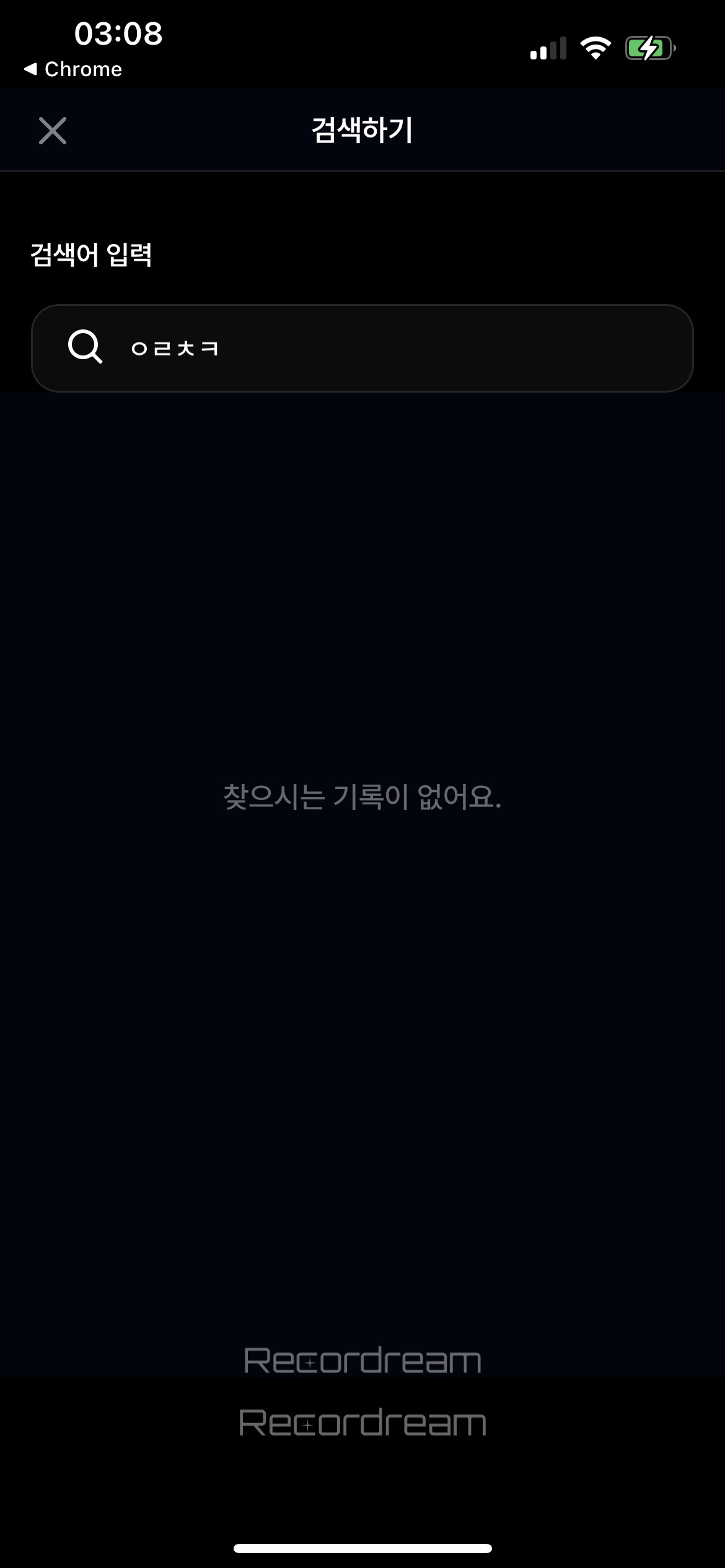

 Suyeon9911
left a comment
Suyeon9911
left a comment
Suyeon9911
left a comment
There was a problem hiding this comment.
수고하셨습니다 !! CollectionView를 2번 탭해서 인식해주는 방식도 있겠지만, 사용자가 의도한 바를 모를 가능성이 크다고 생각합니다. 또한, 어떤 경우에는 의도하지 않은대로 동작할 가능성도 있어보이구요.. !! 준호 님이 말씀하신대로 selected된 인덱스를 받을 경우엔 상세보기로 이동하고 그 외의 경우를 분기처리해서 키보드를 내려주면 될 것 같아요 !~~
| let tap = UITapGestureRecognizer(target: self, action: #selector(didTapOutsideCollectionView)) | ||
| tap.numberOfTapsRequired = 2 | ||
| tap.numberOfTapsRequired = 1 | ||
| self.dreamSearchCollectionView.addGestureRecognizer(tap) |
3 participants


👻 작업한 내용
🎤 PR Point
📮 관련 이슈