Sometimes WebP frames have erroneously transparent pixels #2835

Description

This is re-opening #2776
I did some debugging and discovered some new information. First, here's the old issue's information. I'm using SDWebImage 5.0.6 with the SDWebImageWebPCoder 0.2.3
Issue Info
| Info | Value |
|---|---|
| Platform Name | iOS |
| Platform Version | 12 |
| SDWebImage Version | 5.0.6 |
| Integration Method | cocoapods |
| Xcode Version | Xcode 10.2 |
| Repro rate | 5% |
| Repro with our demo prj | n/a |
| Demo project link | n/a |
Issue Description and Steps
Occasionally, some SDAnimatedImages play back with frames that contain missing pixels. These pixels, which should be filled, are instead completely transparent (alpha 100%). This is a clip of the bug observed in our app. The bug is the out-of-place white pixels that appear in one frame:

I can tell these pixels are transparent because they will be filled with whatever color the background view is behind the SDAnimatedImageView
Unfortunately I do not have reproduction steps. It tends to happen if >1 animated images are being downloaded/rendered at a time. I've only ever seen it happen with WebP's, but I can't be sure it only affects WebP's because it's hard to purposefully cause this bug to happen while debugging.
This seems to affect the image while it's in the memory cache. We have a tap-to-lightbox feature that uses the in-memory image from the cache by fetching it with the key (rather than copying the existing SDAnimatedImage instance). An image that has a frame with missing pixels will show this bug until it's cleared from the in-memory cache and then re-loaded from disk.
This started happening when we updated to SDWebImage 5.0.6 from 4.x
Updated information:
I found an image where this can easily occur. The image can be fetched at this URL, but webp must be in your accept header in order to get WebP rather than GIF:
https://66.media.tumblr.com/c0700230bd00b3a4f6c5fd9f52ba38d4/634b65befca84981-56/s400x600/869fe1f4b3f08c98d3504aff1f985afa5aa9a3fa.gifv
You can curl this url to get the webp:
kken@C02XG0YSJGH8 ~ $ curl --header "Accept: image/webp,image/*" https://66.media.tumblr.com/c0700230bd00b3a4f6c5fd9f52ba38d4/634b65befca84981-56/s400x600/869fe1f4b3f08c98d3504aff1f985afa5aa9a3fa.gifv > link-sunglasses.webp
  % Total    % Received % Xferd  Average Speed   Time    Time     Time  Current
                                 Dload  Upload   Total   Spent    Left  Speed
100  200k  100  200k    0     0   449k      0 --:--:-- --:--:-- --:--:--  449k
kken@C02XG0YSJGH8 ~ $ identify link-sunglasses.webp
link-sunglasses.webp WEBP 400x400 400x400+0+0 8-bit sRGB 205770B 0.000u 0:00.000
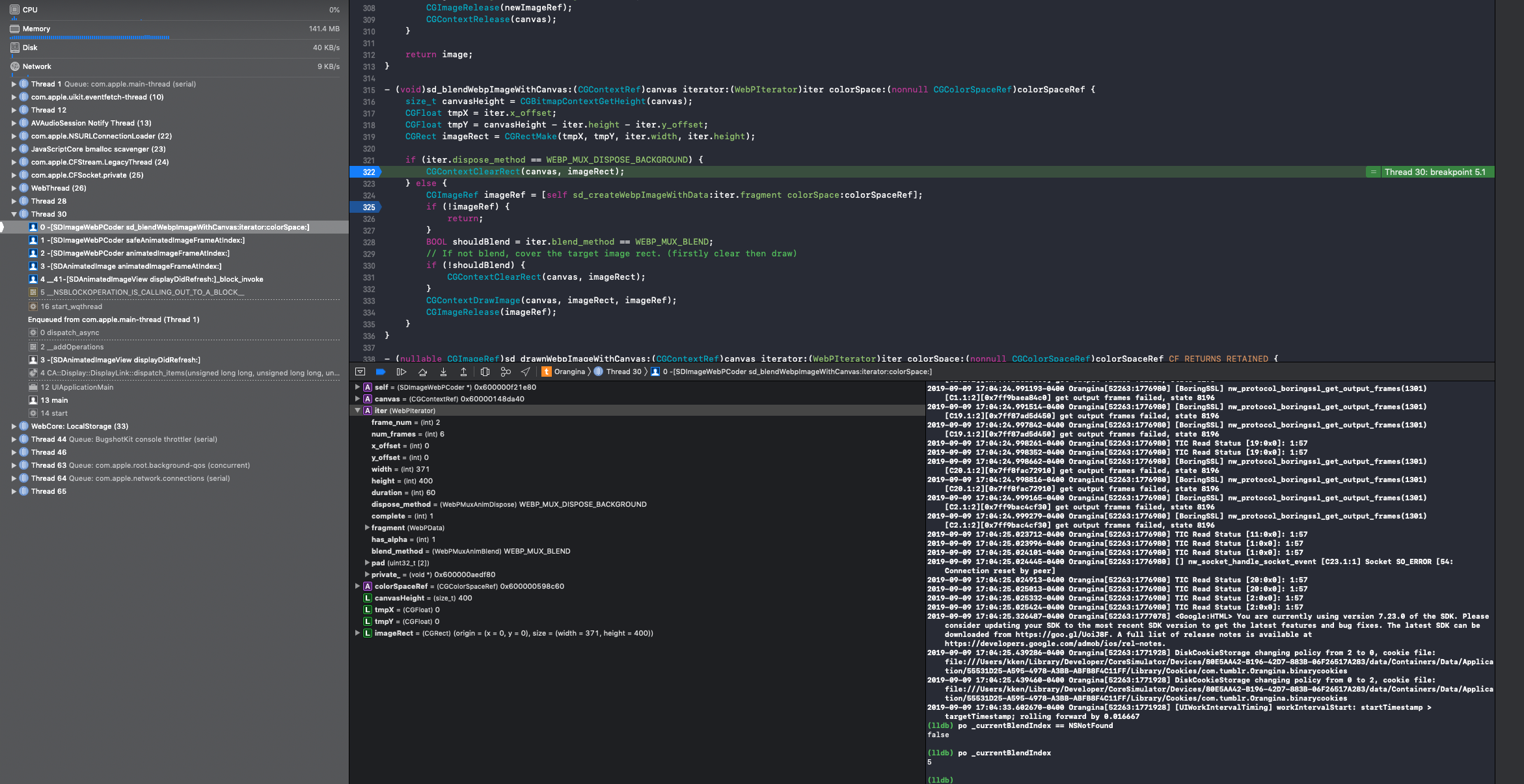
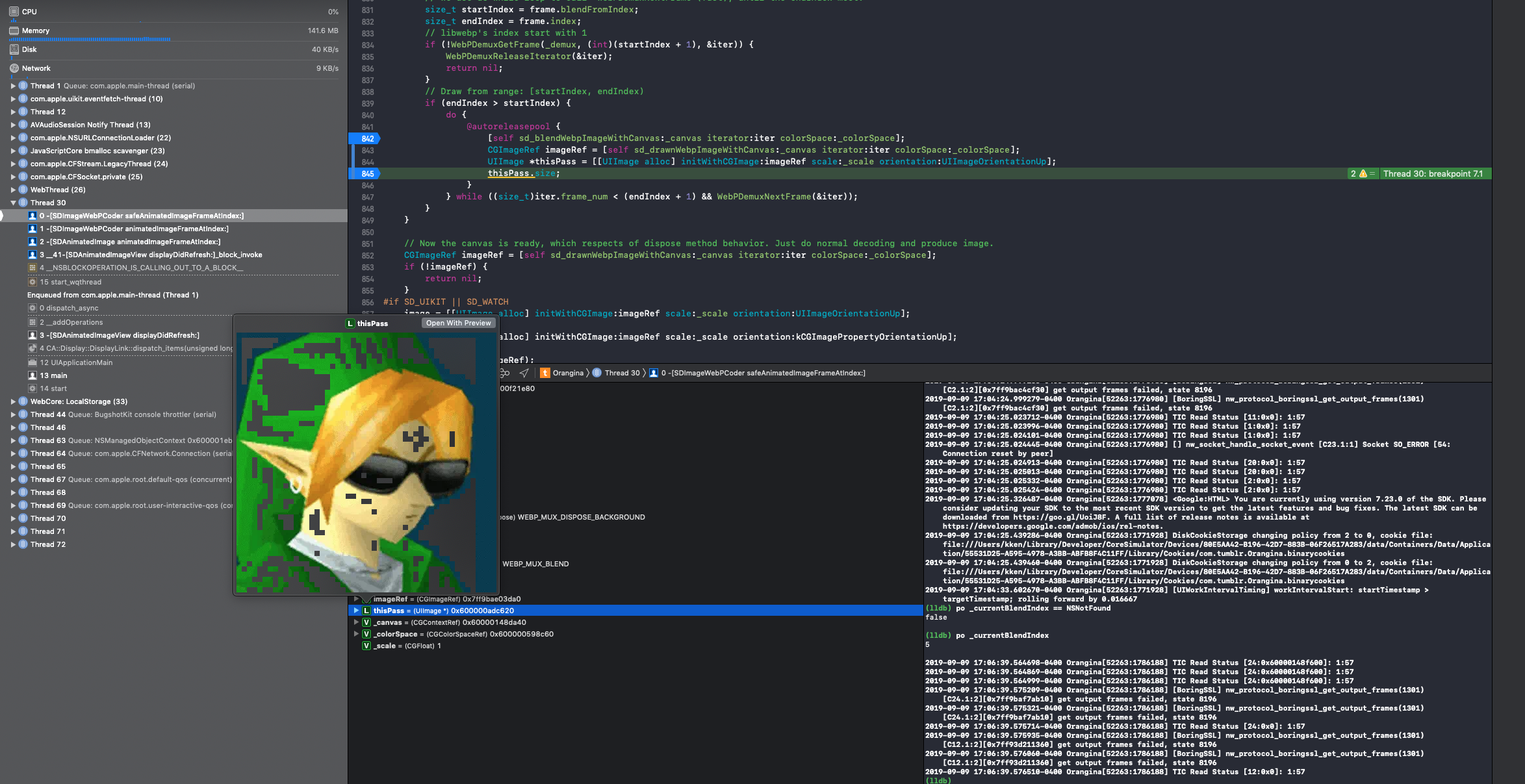
This issue doesn't happen 100% of the time. It's intermittent. However it's easy to get to occur if the image leaves the view and then comes back (i.e. if it's in a different tab within the app, which you leave and then return to). I'm not receiving a low memory warning when it happens, so I don't think it's due to SDWebImage flushing anything due to memory issues. However I tracked the exact problem where it happens:
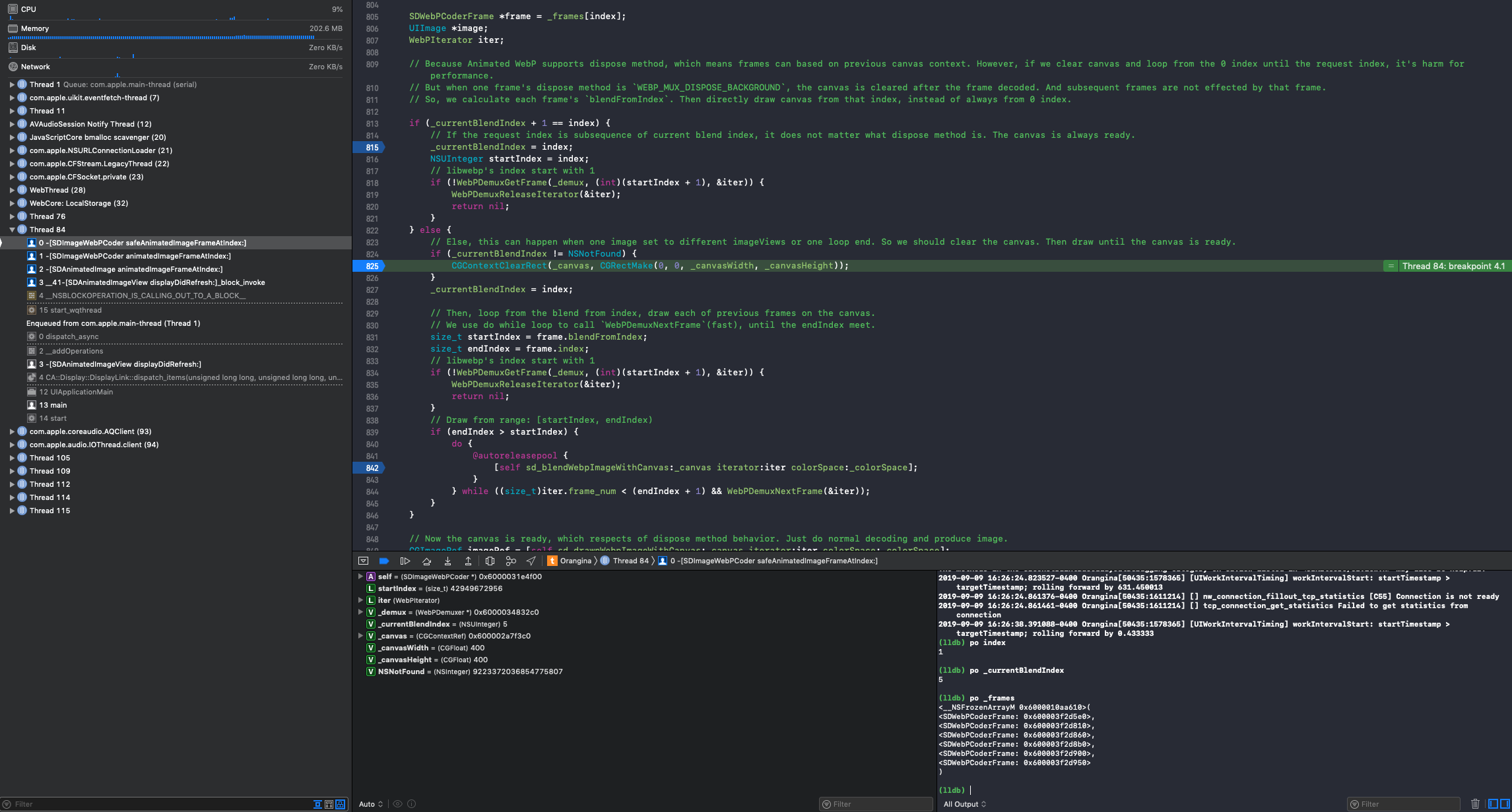
This condition is hit only when the bug occurs. When this image loads normally, a breakpoint on this line is not tripped.
You can see that the _currentBlendIndex is 5, but the frame index is 1. So safeAnimatedImageFrameAtIndex thinks it's the end of the loop. However, it's a 6-frame animated webP, not 5, so ideally _currentBlendIndex should be 0.
Normally, this frame's _currentBlendIndex is 0. Here's a screenshot of the frame being rendered correctly:
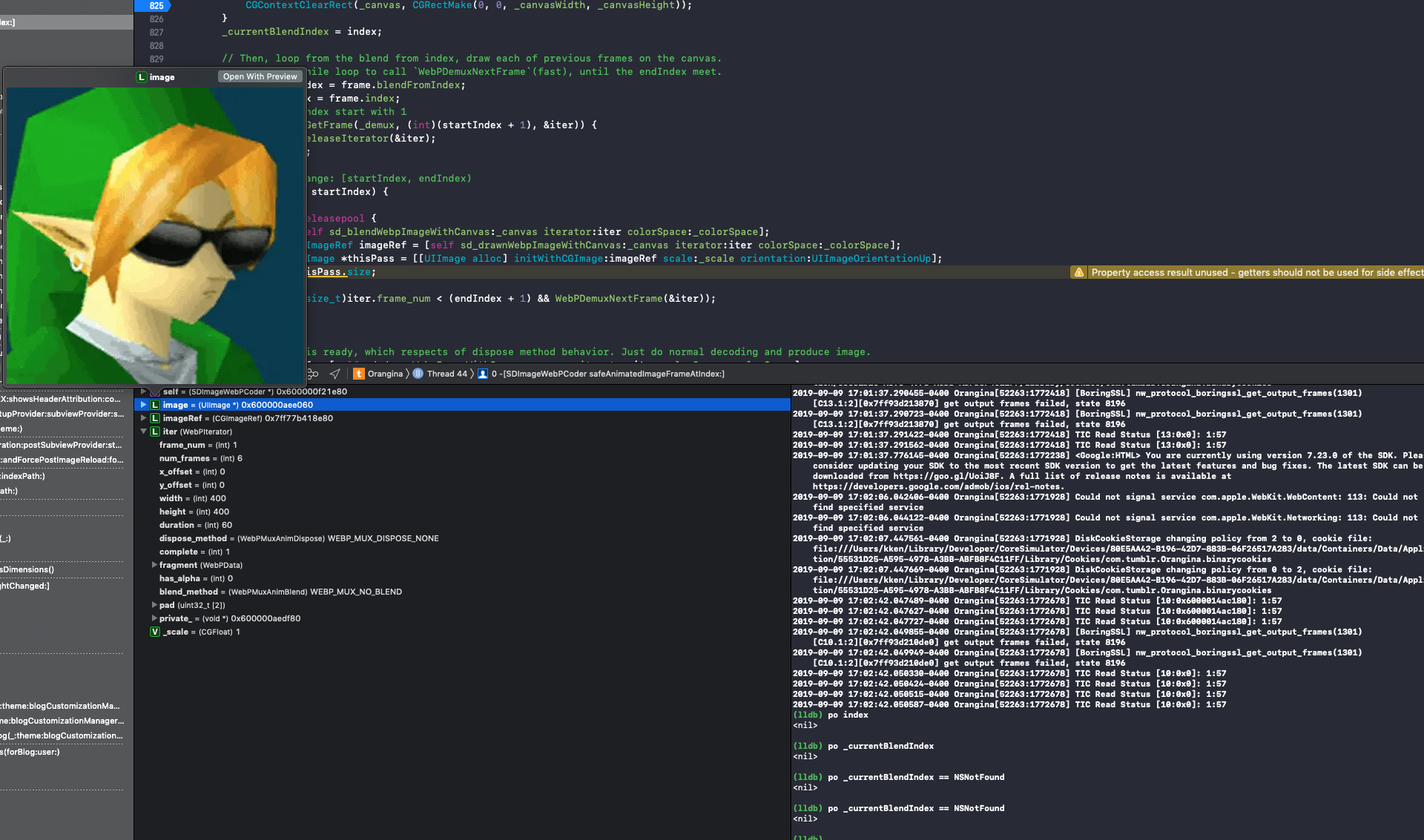
In this case, _currentBlendIndex == NSNotFound, so the canvas is never cleared. However, in the case where the bug occurs, _currentBlendIndex is 5, so the canvas is cleared. Frames 1 and 2 are blended in the block after // Draw from range: [startIndex, endIndex) at SDImageWebPCoder.mL838. The first pass draws frame 1. The second pass tries to draw frame 2 over frame 1 and this is the result: