
Nah2-Nah3 is a fun and engaging mini-game application for the Flipper Zero, featuring rhythm and action-based gameplay optimized for the device's 128x64 display and input system.
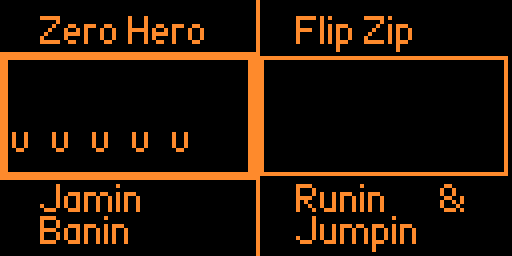
- Multiple Game Modes: Choose from six games (Zero Hero and Flip Zip fully implemented; Line Car, Flip IQ, Tectone Sim, and Space Flight planned [Drop Per is a placeholder for Flip IQ]).
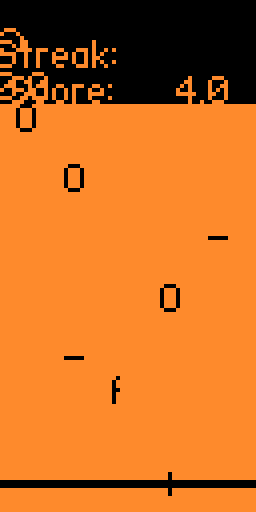
- Zero Hero: A rhythm game where you press buttons to hit falling notes, with dynamic difficulty and streak tracking.
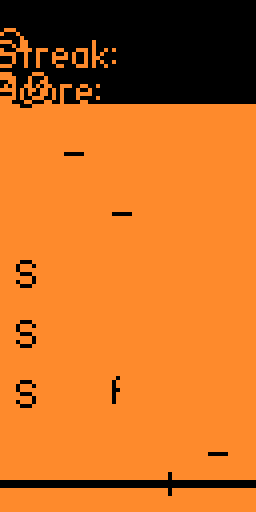
- Flip Zip: An running game where you navigate a mascot through lanes, jumping over obstacles with a speed bar and tap-based boosts.
- Dynamic Menu: Navigate a visually appealing menu with animations to select games.
- Orientation Support: Toggle between left-handed and right-handed modes (menus & paused); supports flippable horizontal and vertical orientations without leaving the application.
- Visual Feedback: Scrolling notifications, day/night mode, and a credits screen.
- Optimized Performance: Uses faux multithreading and fixed-point arithmetic for smooth gameplay.
- Zero Hero: Hit notes in five lanes (Up, Left, OK, Right, Down) to build streaks and scores.
- Flip Zip: Move a mascot between lanes, jump over obstacles, and boost speed with precise taps.
- Line Car: Planned (Drift or Nah).
- Flip IQ: Planned (Flip Your IQ) WIP.
- Tectone Sim: Planned (Based Hits).
- Space Flight: Planned (Star Chase).
- Loading: Initial 1.5-second loading screen.
- Title: Main menu for game selection.
- Rotate: Prompts device rotation with animation.
- Zero Hero: Rhythm gameplay state.
- Flip Zip: Action gameplay state.
- Pause: Pause screen for active games.
- Credits: Scrolling credits, exits the app.
- Left/Right: Switch between left/right game options.
- Up/Down: Navigate between rows.
- OK: Start selected game.
- Back (x3): Enter credits screen.
- Back (Hold 1.5s): Toggle left-handed mode.
- Any Button: Skip animation and start game.
- Up/Left/OK/Right/Down: Hit notes in corresponding lanes.
- Back: Pause game.
- Back (Hold 1.5s): Toggle left-handed mode.
- Left/Right: Move mascot between lanes.
- Up/Down: Adjust vertical position.
- OK (Press): Jump.
- OK (Release): End jump hold.
- Back: Pause game.
- Back (Hold 1.5s): Toggle left-handed mode.
- OK: Resume game.
- Back (x2): Return to title menu.
- Back (Hold 1.5s): Toggle left-handed mode.
- Back: Exit application early.
- Clone this repository to your Flipper Zero development environment.
- Compile
nah2nah3.cusing the Flipper Zero firmware SDK. - Deploy to your Flipper Zero and launch from the apps menu.
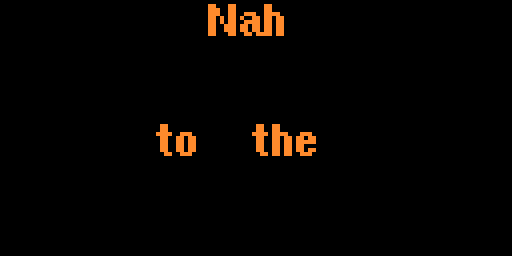
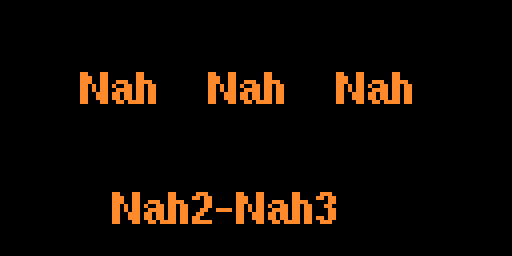
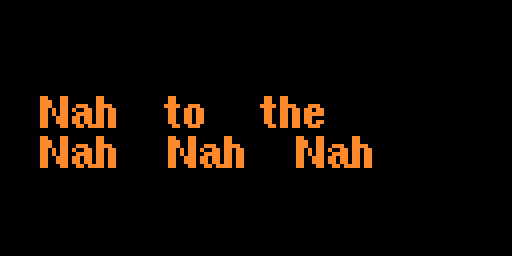
Below are screenshots showcasing Nah2-Nah3 in action on the Flipper Zero:
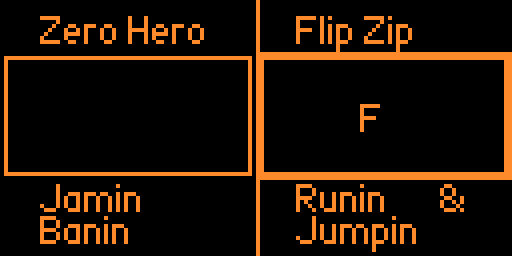
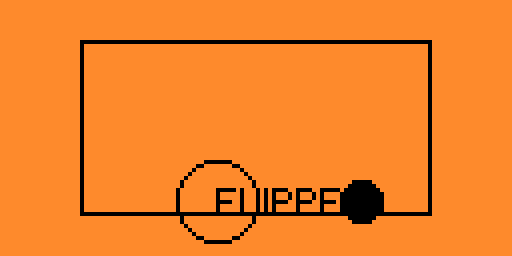

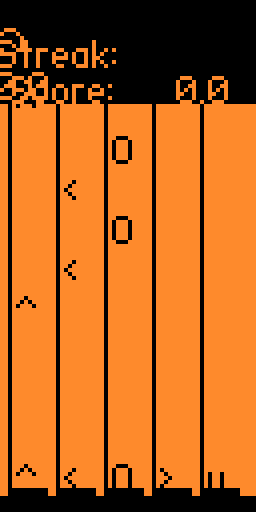
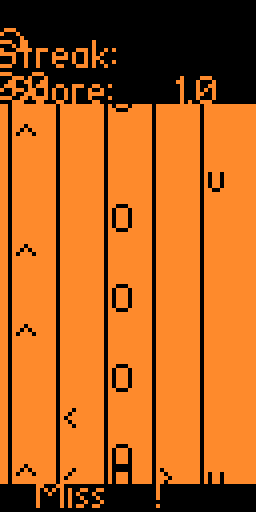
- Only Zero Hero and Flip Zip are fully implemented; other games are placeholders.
- Optimized for Flipper Zero’s hardware constraints (limited stdlib, 128x64 display).
- Uses Furi APIs for GUI, input, and timers.
Feel free to submit pull requests to implement the remaining game modes or enhance existing features!