Current behavior
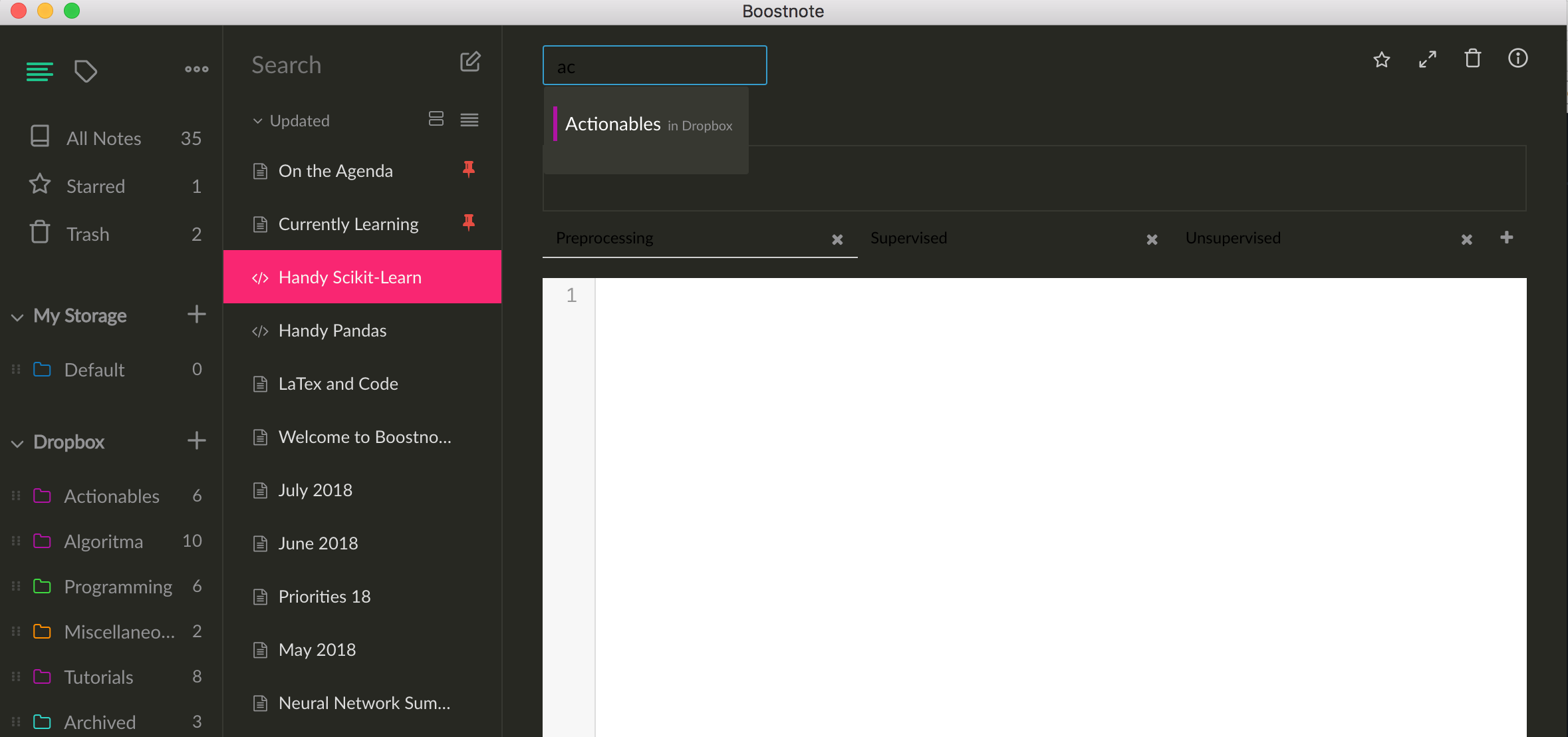
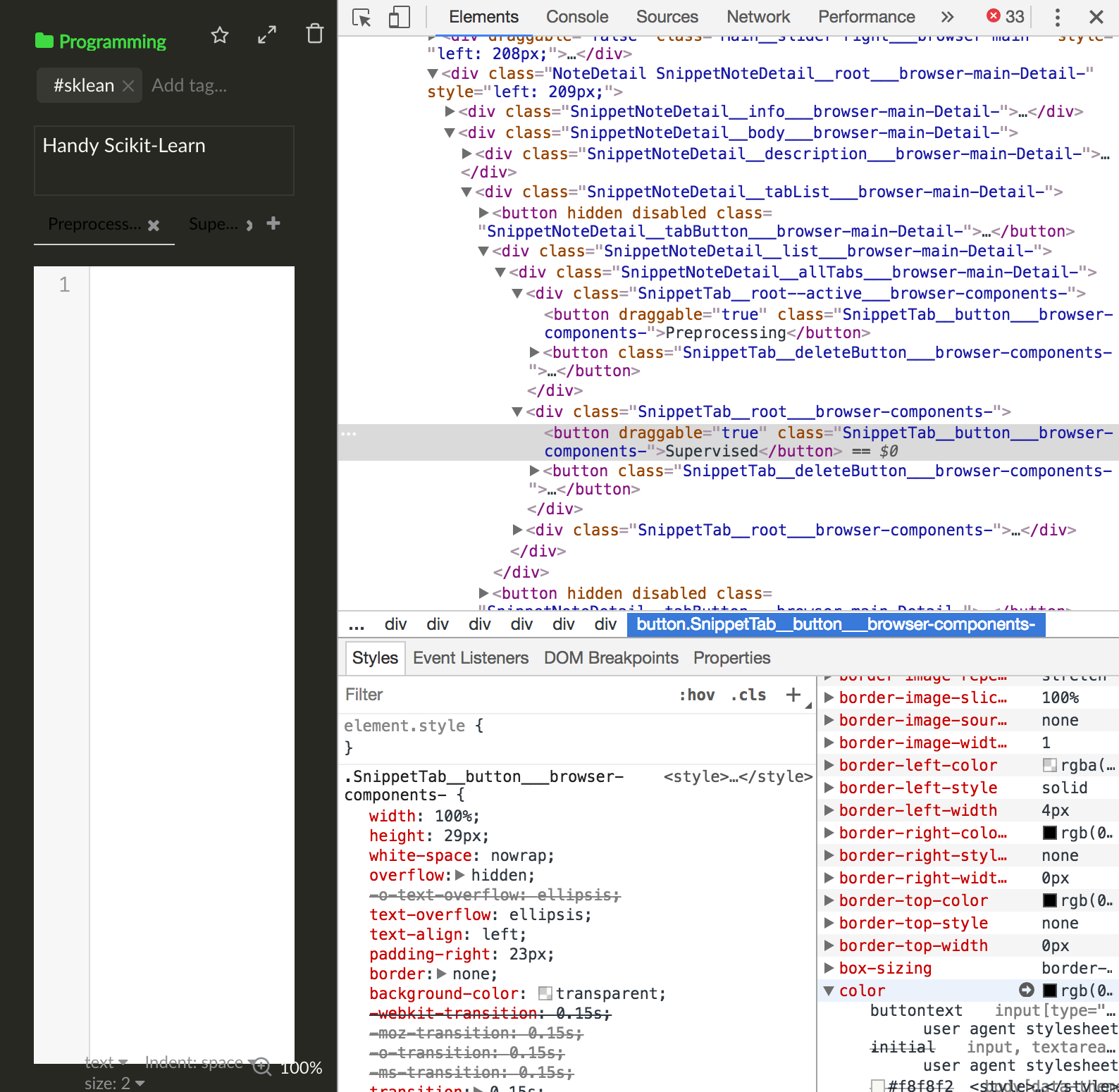
On Monokai Theme, some of the UI text elements such as:
- Snippet Code tab name
- Folder Selection (text field) on top of individual notes when clicked; See screenshot.
... are not inversed to a white / light color but remained black. In my opinion it should be a simple CSS fix to have it inverted to light color. I have limited experience with JS / github so couldn't help but if somebody point me to where / how I can contribute (I do have experience in CSS) then maybe I can submit a fix. Please bear with me as it's the first issue I've created on github and am unfamiliar with the process.
Steps to reproduce
- Switch to Monokai Theme under Preferences > Interface
- Try moving a note to another folder and type a word into the text field when the folder selection is clicked
- Create new Snippet Code and rename one of the tab
Environment
- Version : 0.11.5
- OS Version and name : Mac OS X High Sierra

Current behavior
On Monokai Theme, some of the UI text elements such as:
... are not inversed to a white / light color but remained black. In my opinion it should be a simple CSS fix to have it inverted to light color. I have limited experience with JS / github so couldn't help but if somebody point me to where / how I can contribute (I do have experience in CSS) then maybe I can submit a fix. Please bear with me as it's the first issue I've created on github and am unfamiliar with the process.
Steps to reproduce
Environment