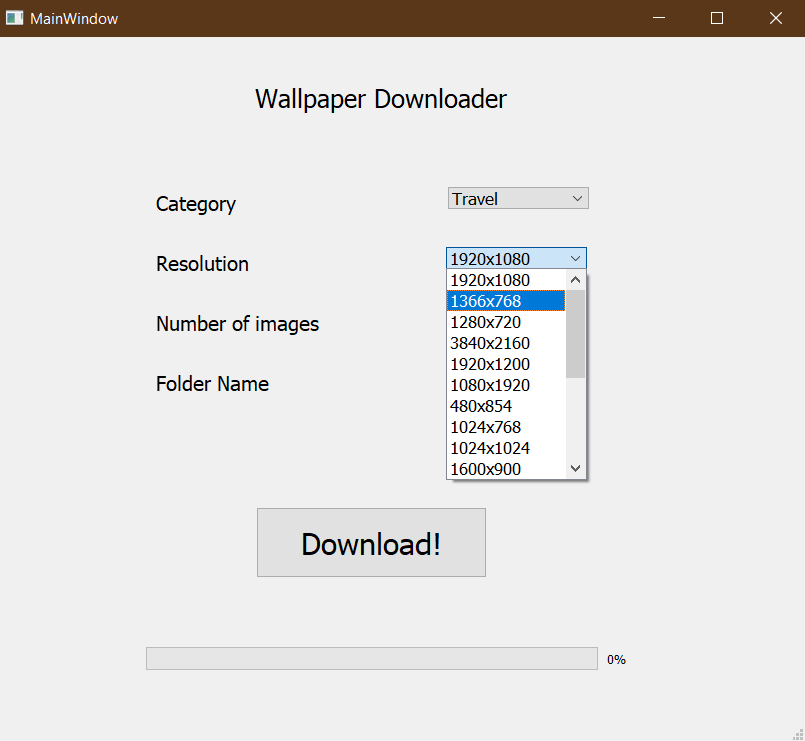
A CLI and GUI interface for automatically downloading wallpapers using webscraping
Step 1- Install python 3+ Step 2 - pip install requirements.txt
Done
Configure different parameters using the CLI or the GUI
- Category -- Available Categories
- Resolution -- Available Resolutions
- Destination Folder
- Amount of pictures
Then the images would be downloaded in the destination folder
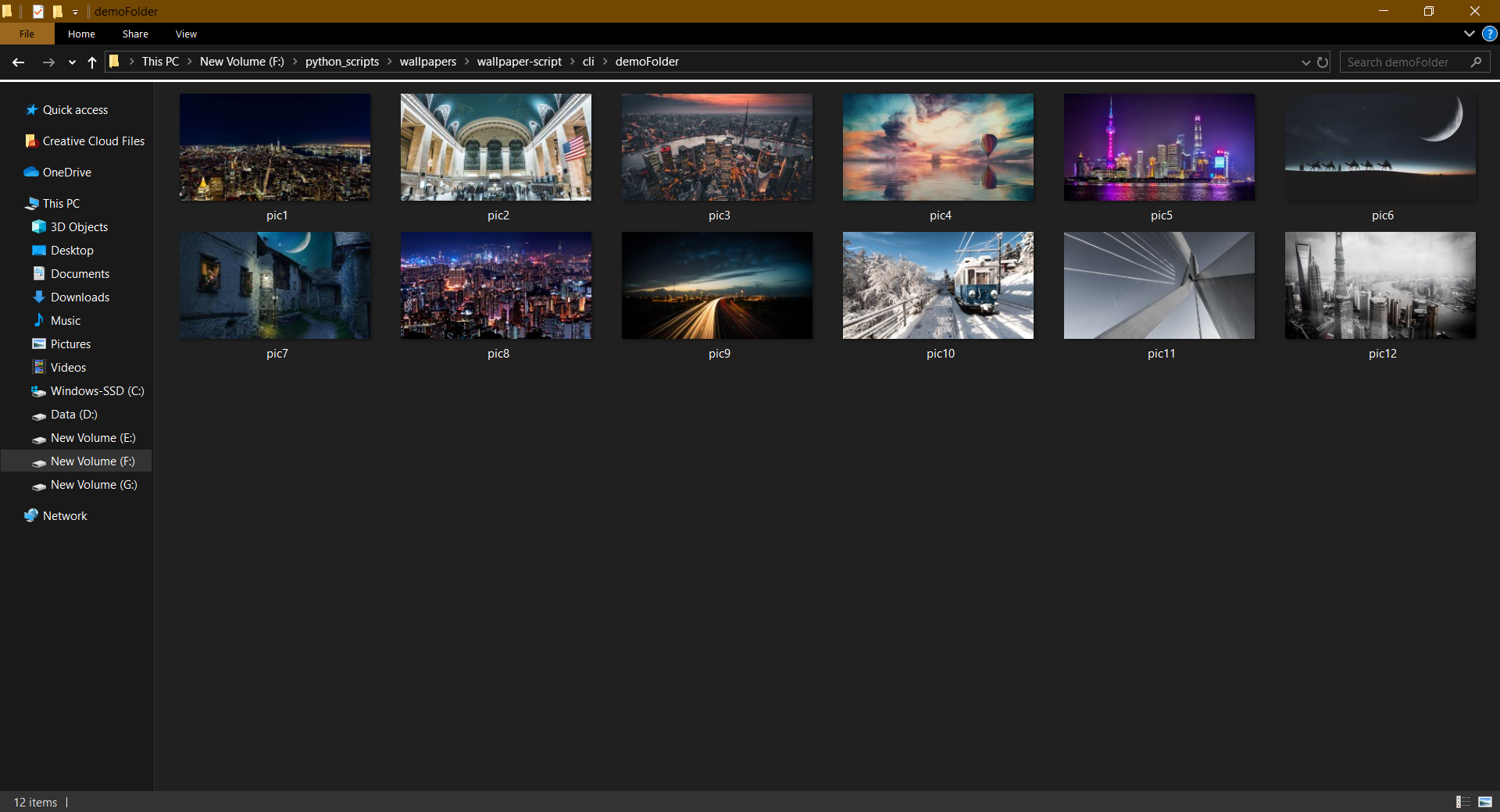
After the images have been downloaded in the required folder , set the wallpaper to slide show and select the destination folder.
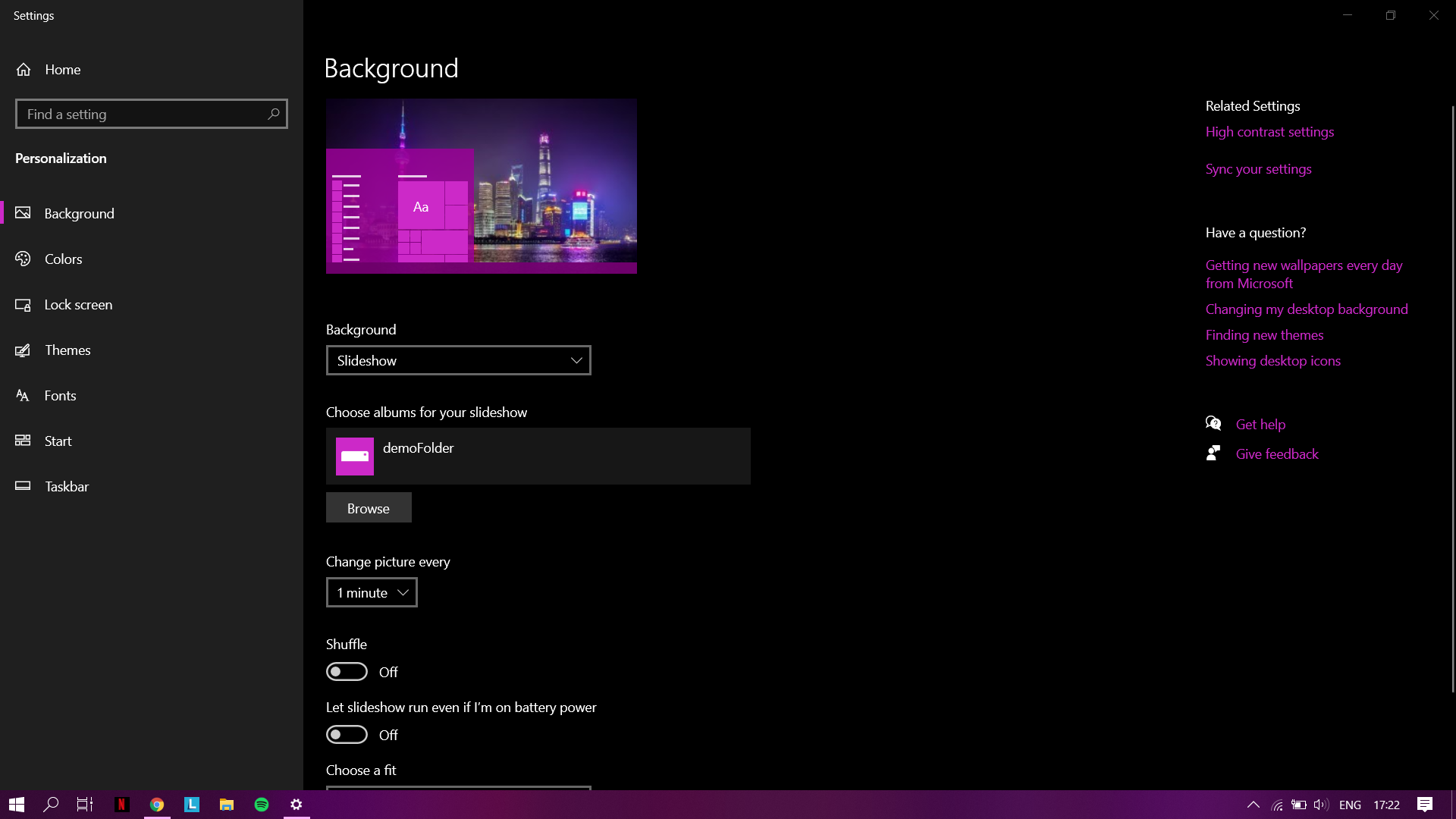
Thats it!.
You can keep on downloading new wallpapers to the same folder and the slide show will be updated.
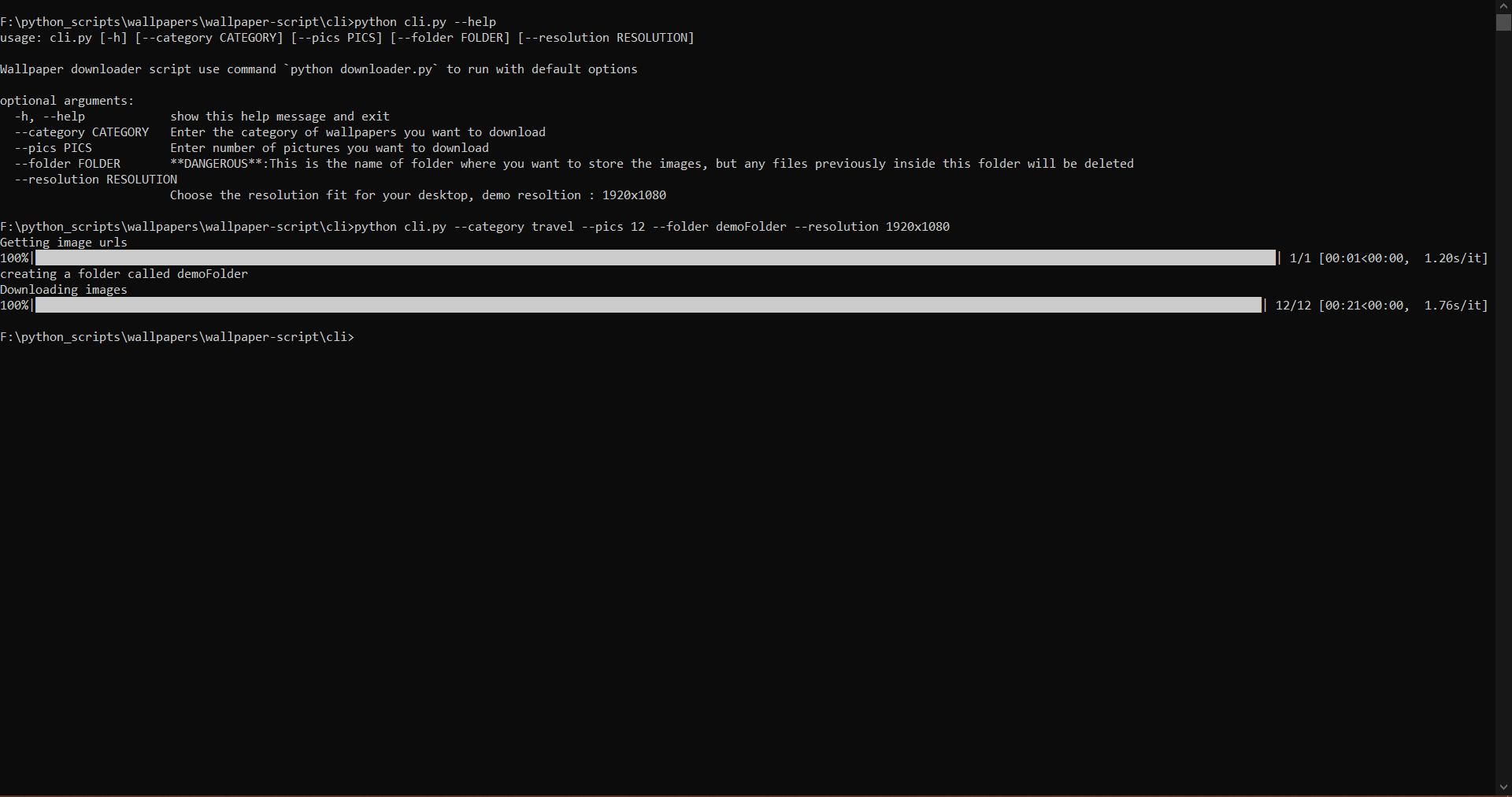
To use the CLI simply install all the dependencies and run python cli.py --help
Read the help section that comes up next