refined mainImage section to account for responsiveness fixes #842 #843
Conversation


|
|


|
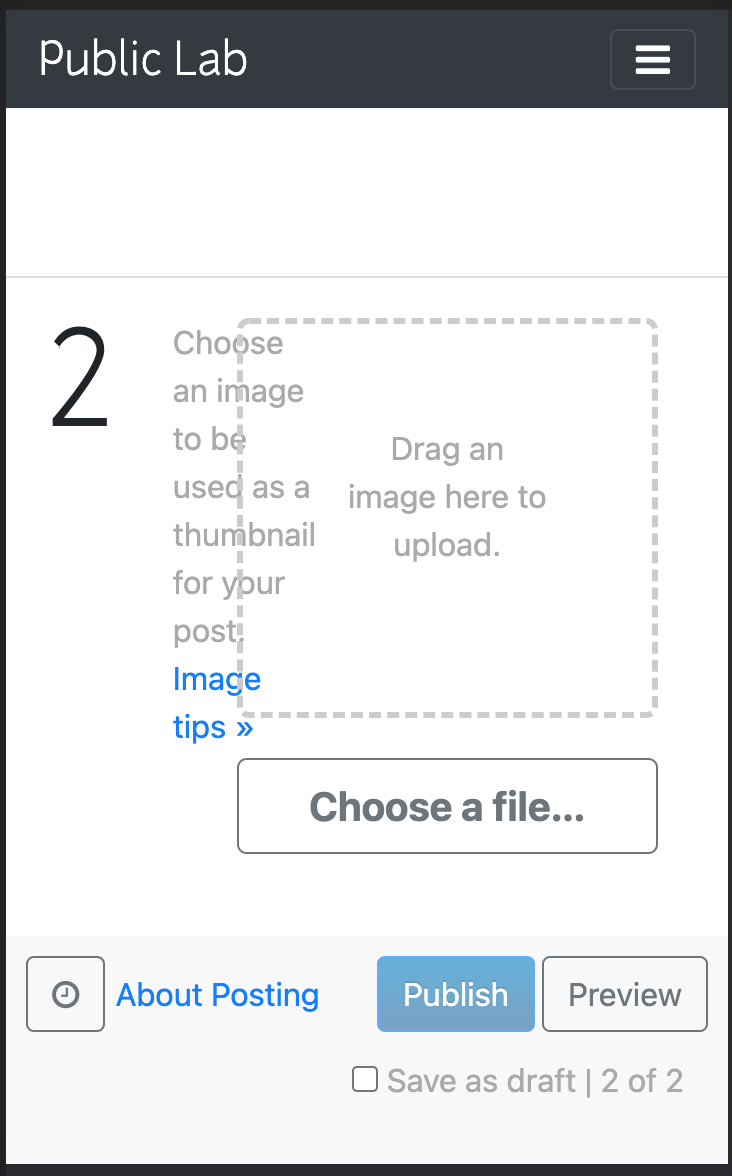
@NARUDESIGNS I just tested this in the plots2 site and this is what is being displayed Without image:
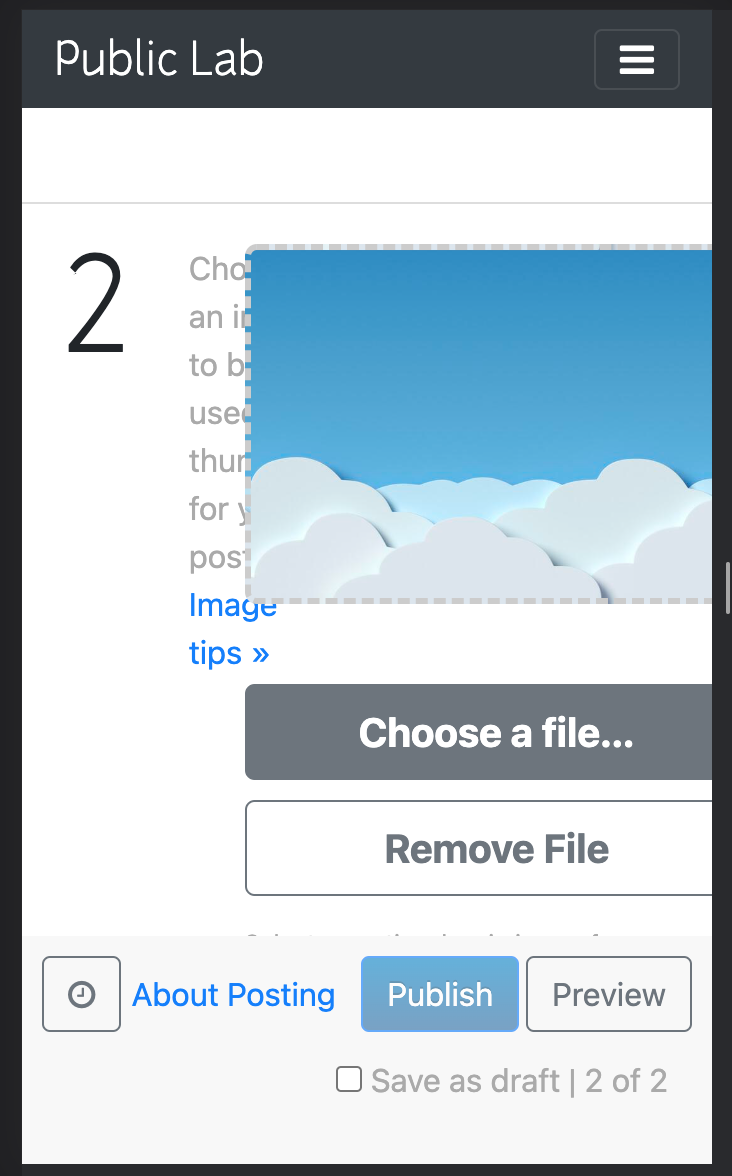
With image:
|

|
This is similar to how it was before I started working on it. Also long before now, the uploaded doesn't work for me in my local environment. |
|
It'll be better for you to also test how it looks on the plots2 repo. If you have the plots2 repo installed locally, you can do this: |
|
Also, remember that plots2 has its own custom styles so you might need to change that too |
I do not have plots2 installed locally. I only use it on Gitpod. But to get you, are you saying we can not make UI changes in the editor project without also making the same change in the plots2 project? |
|
No, I'm saying to know that the UI looks good, you need to test image upload which is why you need the plots2 repo. Also, the plots2 repo has its own custom styling, so you need to also keep that in mind while you're adding styles. |

|
Hi all, thanks for this, the refinement proposed in #842 looks great. @NARUDESIGNS basically this is the situation -- the HTML actually displayed on PublicLab.org is from plots2. But since we develop the editor in its own library, which doesn't contain plots2 code, we create an "example" HTML file, just so we can properly run the code, test it out, etc. It's called an example also because if anyone else ever uses this editor, they know what HTML is needed for the library to work properly. But that means that if you want to style how something looks differently, you need to do it on plots2, which is what's actually published to the site. That also means that we need to either:
option 2 above is technically a breaking change. That's OK, but if we do this, perhaps we can do it all at one time, rather than in a series of PRs, since we would technically need to make a major version bump each time. That's a good reason to make as much of our changes as we can without requiring different underlying HTML. We could do all our changes to the HTML in one PR even before we do all our styling fixes, so that we only need to bump the major version once. That might be complex to think through, and if you need to make 2 breaking changes, it's not such a big deal. But if you think it may be relatively easy to do all your HTML improvements in a single big change, or to even avoid breaking HTML changes entirely, that's ideal. Many HTML changes will result in a different appearance, but the original example file at https://github.com/publiclab/PublicLab.Editor/blob/main/examples/index.html will still work, right? I hope this makes sense. Some HTML is done actively using JavaScript, rather than relying on existing HTML. But the template file at rich.html contains essentially everything which /must/ be installed already in the final application for the Editor to have a foundation to install upon. Make sense? I'm happy to discuss more! |
|
OK I think I'd have to go through again to grasp it well but these are where my confusion lies:
Can you speak to these concerns? @jywarren |
|
To check a PR's effects in plots2, before merging or publishing, here's a workflow you can use!
|
|
I had the same old problem we had with plots2 on Gitpod last time 😭 😭 😭
|
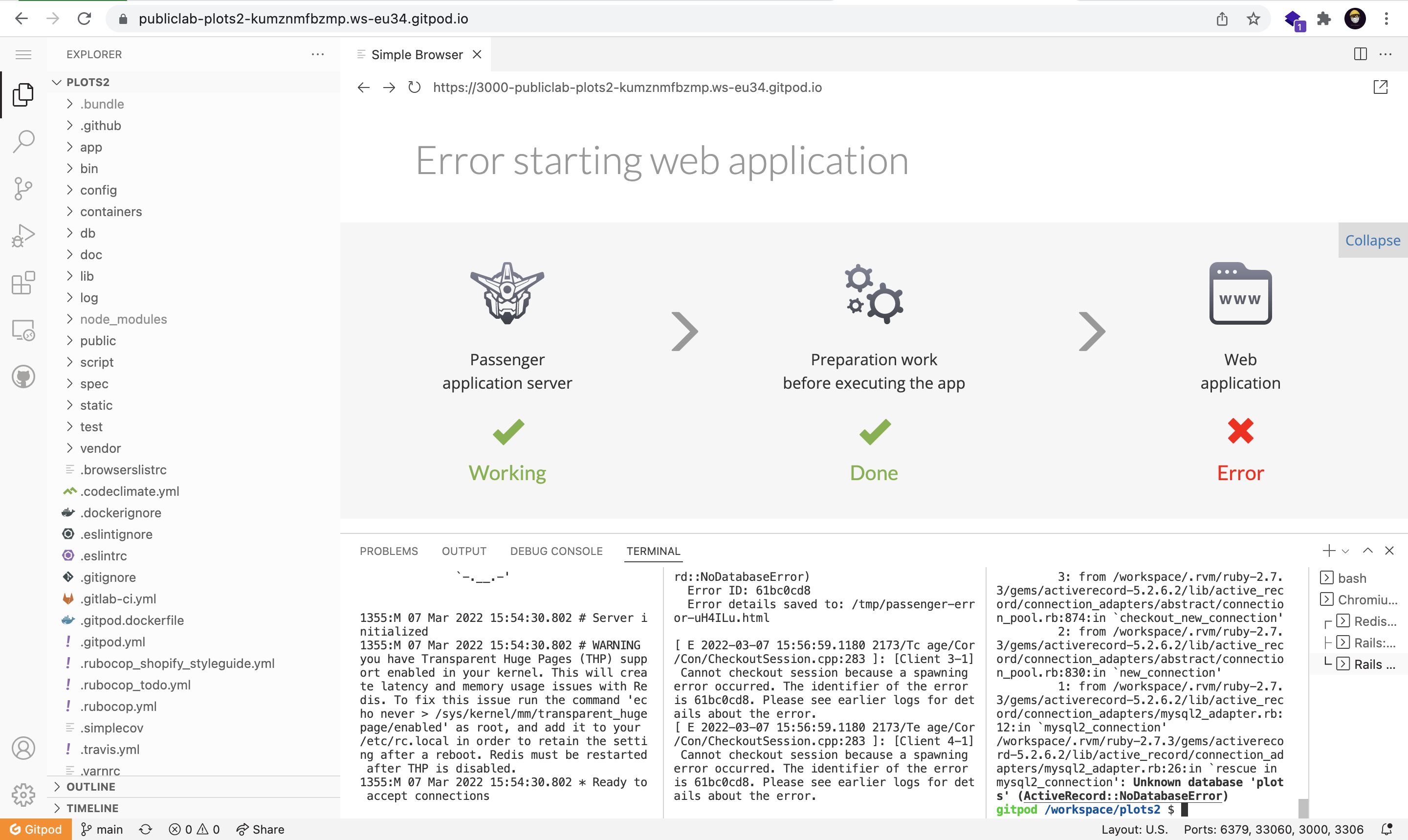
@jywarren @TildaDares can I try something like this with the plots2 project locally? |
|
Hi Paul, oh no! Ok, but so you can probably fix it the same way too. Use a link like this: https://gitpod.io/#prebuild/https://github.com/publiclab/plots2/ That forces a fresh prebuild, so starting from an earlier stage than had generated your error. |
|
For reference here was the last time this happened: publiclab/plots2#10711 |
|
Alright, I'd try that, thanks. |
|
Thanks for the tip @jywarren that was really helpful. |
|
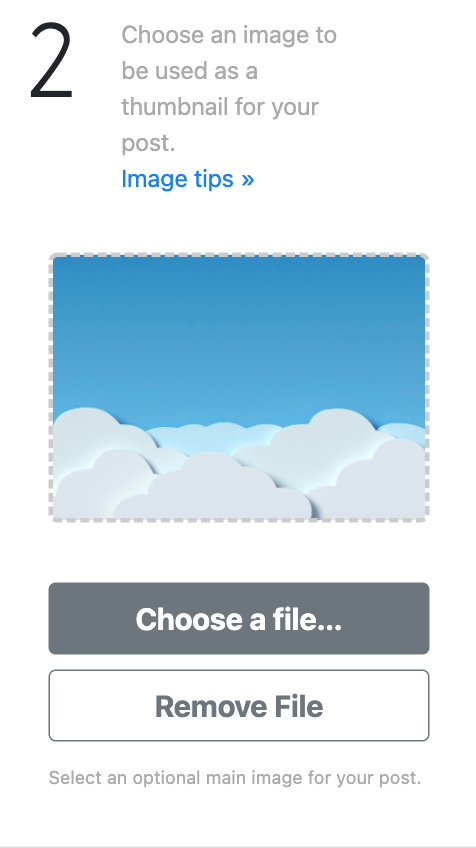
Great work @NARUDESIGNS! This is what it looks like now
At about 767px width, the choose file button kind of cuts off from the screen. This happens till around 550px. Screen.Recording.2022-03-10.at.12.29.25.mov |
|
Oh, I see. |
|
@NARUDESIGNS yeah you’re right |
|
@TildaDares I think we should be fine now. Please check if all looks good so we can merge! |

dist/PublicLab.Editor.css
Outdated
| background-color: #007bff !important; | ||
| } | ||
|
|
||
| @media (max-width: 800px) { |

There was a problem hiding this comment.
Change this to about 992px and we should be good!
There was a problem hiding this comment.
Alright then
On it right away
There was a problem hiding this comment.
But why exactly 992 if I may ask?
@TildaDares
There was a problem hiding this comment.
It had the same issue as before at 992px.
There was a problem hiding this comment.
Ok then, looks great on my end but let's try.
Also can you confirm it looks great and 993px and wider on your end?
There was a problem hiding this comment.
It's perfect!
Screen.Recording.2022-03-14.at.18.14.49.mov

There was a problem hiding this comment.
Haha love this quick iteration, you two! Thanks! 🎉
|
Thank you so much for your time @TildaDares I think we can merge now |


|
Just re-running the tests after a sync, and we should be good to merge! |

|
🎉 |
|
Thank you very much! |


Hello @TildaDares
This is the PR I've made to address issue #842
So I only made changes to the
PublicLab.Editor.cssfile and so I had to use combinations of classes and IDs to target the selected classes. Do have a look and let me know what you think.Here's what it looks like now: